Polaris Office - PDF & Docs
kr.co.infraware.office.link
View detailed information for Polaris Office - PDF & Docs — ratings, download counts, screenshots, pricing and developer details. See integrated SDKs and related technical data.
- No items.
Screenshots
Description
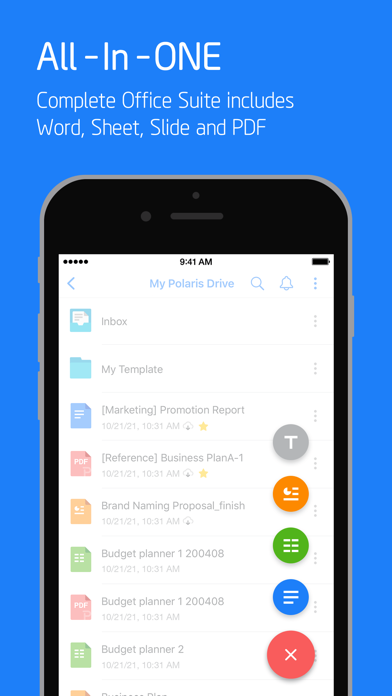
Create, edit, save and share your files with the best office app of iOS, used by 100 million users all over the world.
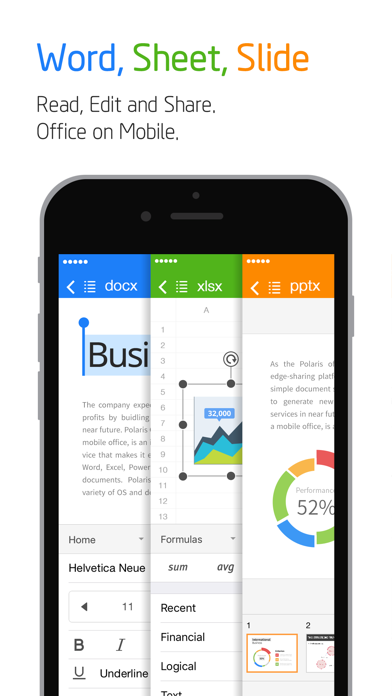
Experience New All-in-One Complete Office Suite compatible with Word, Excel, PowerPoint and Adobe PDF "Best App" awarded by iTunes App Store.
[ Features ]
• Edit and save documents in various file formats
Under 100 MB size. Just one application enough for all different type of documents.
- Open, edit, save and share all kinds of office documents such as Word, Excel, Power Point, and Google Docs with one iOS app.
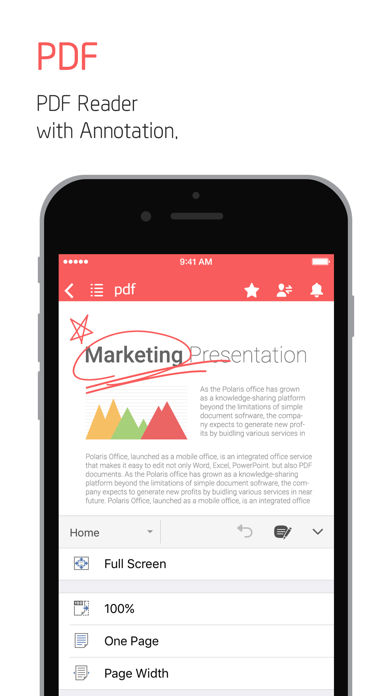
- View PDFs right from your iPhone and iPad. Convert PDF into Office documents and edit them.
• Convenient usability
Quick and Easy Access for Anytime, Anywhere and Any device.
- Across all devices like Desktop, iPhone and iPad, Keep your all documents always up-to-date in sync via Polaris Drive, iCloud and other cloud service.
- Edit file easily with Split View.
- Powerful search function will save your time to expand your search terms not just filename.
- Save frequent template in My Template folder. You can make your own template anytime.
- Without extracting zip files on iPhone and iPad, you can easily open and read all type of documents.
• Share documents quickly, easily
Share documents easily and invite others quickly to edit or view documents.
- Just simply sharing the link of documents with our cloud storage via SMS, email, Facebook and other channels.
• Other support available
- Supported File Formats : DOC, DOCX, XLS, XLSX, PPT, PPTX, PPS, PPSX, TXT, HWP, HWPX, ODT and PDF.
(NEW) Now we support CSV format.
- Free Available for 33 templates, 20 various 2D/3D charts, 37 slide transition effects, 173 different shapes and 300 formulas for spreadsheet.
- Supporting 18 global languages including English, French, Simplified Chinese, Japanese, Russian, German, Italian, Spanish, Polish, Portuguese (Europe, Brazil), etc.
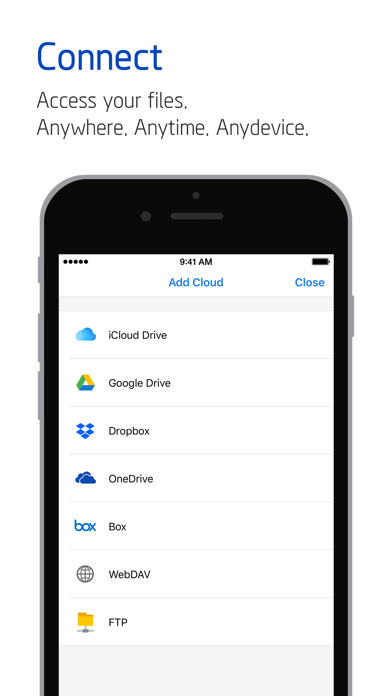
- Polaris Drive is a default cloud but also available other cloud service such as iCloud, Google Drive, Dropbox, OneDrive, Box, WebDAV, FTP for 24 hours, 365 days.
- Polaris Office has earned ISO 27001 certification for International Cloud Privacy Standard.
[Payment plan and auto-subscription]
• Polaris Office is free all-in-one office suite but some features can be limited by your cloud usage or your subscription option.
• Smart Plan : $3.99/month & $39.99/year
• Pro Plan : $5.99/month & $59.99/year
• AI Plan ($12.99/month & $129.99/year)
• AI-Plus Plan ($20.99/month & $209.99/year)
• Remove Ads : $10.99
• Recurring payment and plan subscriptions are charged to Apple Store account. Subscription automatically renews unless auto-renew is turned off at least 24-hours before the end of the current period.
• Subscriptions can be managed at App Store account setting. Auto-renewal may be turned off by going to user’s Account Settings.
[Note]
• Support : [Application] -[Settings] - [Customer Support] or [Official Site] – [Support]
• Customer Support : support@polarisoffice.com
• Terms of Service : https://www.polarisoffice.com/en/terms
• Privacy Policy : https://www.polarisoffice.com/en/privacy
* How to change sharing option
Settings > Privacy > Allow additional permissions
Select category > Revoke access to Polaris Office