PROSTART
fr.prostart.2stiming
View detailed information for PROSTART — ratings, download counts, screenshots, pricing and developer details. See integrated SDKs and related technical data.
- No items.
Screenshots


Description
Timing system dedicated to speed sports (BMX, Track & Fields, …)
PROSTART application interfaces with the Protraining 2 & 3 timing system range made by Prostart. That application automatically downloads the data sent from an originating system (BMX starting system, E-Start for Track&Field, ...) and from beam sensors. Coaches and athletes can view, compare, and save the detailed performance of each athlete throughout a sports season.
Only Protraining 2 & 3 range are able to interact with that application and the device, running on iOS, must have iOS 8 minimum.
Only Prostart Starting systems updates after 1 November 2015 have the ability to be controlled by this application. Please contact quentin.grun@prostart.fr if you want to upgrade your starting system.
- Connect to Protraining 2.0 wireless timing system using Bluetooth Low Energy (BLE) 4.0
- No Wi-Fi or cellular is required
- Your device must support the Bluetooth Low Energy (BLE 4.0)
MENU :
1 / CALIBRATION
This tool allows to measure distance from one point to another. It is useful to define a sprint length. You must turn on the GPS in your device to use this tool. Save your distances so that they are saved during your session.
2 / 2S TIMING
A - Athletes Tab - Create, edit and analyze athlete pages.
B - Groups Tab - Create, edit and organized lists of athletes.
C - Capture Tab - Measuring the performance of athletes
* Click on "No Athlete" to determine the athlete or group to record
* Click on the Bluetooth logo to connect your device to Protraining 2.0 wireless timing system
* Click on the MANU button to launch a start throughout your starting system.
* Click on the bidirectional arrow if one or more athletes are not present in a group.
** Above name = Name of the athlete during measurement or end measurement.
** Under name = Name of the next athlete.
*** Landscape mode for better view of the running times.
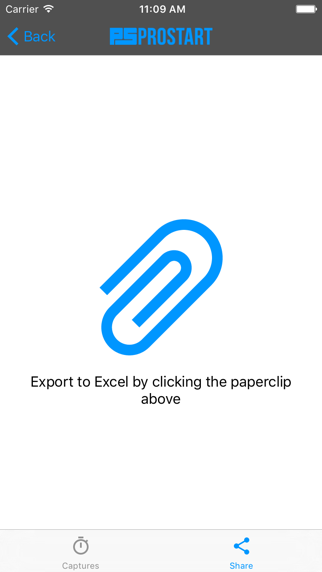
D - Shares Tab - Export in .xls file in order to save and manage better all the measurements.
Thank you for your trust !