eXtra Voice Recorder Pro
com.xwavesoft.evriospro
View detailed information for eXtra Voice Recorder Pro — ratings, download counts, screenshots, pricing and developer details. See integrated SDKs and related technical data.
- No items.
Screenshots
Description
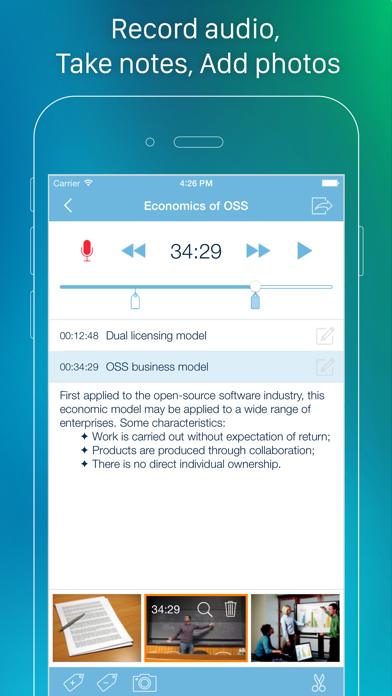
eXtra Voice Recorder is a combination of a high-quality audio recorder, a multi-functional audio editor and an easy-to-use audio files manager. With eXtra Voice Recorder all your recordings will be fully organized and available whenever you need them. You can add notes and photos to each recording, bookmark important parts for ease of navigation, continue recordings and save them directly to the cloud for universal accessibility. Moreover, the app offers a host of handy features for instant file sharing, so sharing your recordings will only be a matter of a couple of taps.
eXtra Voice Recorder offers the following:
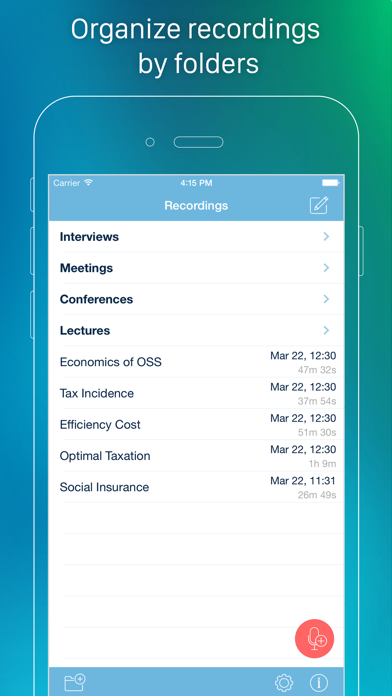
• Multi-level file manager to keep your recordings organized
• Resume previously created recordings
• Supply your recordings with comments
• Bookmark the most important parts of recordings
• Add photos to your recordings
• Keep photos synced with audio
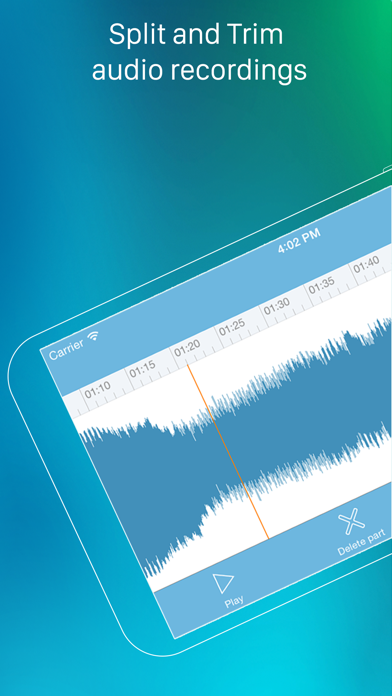
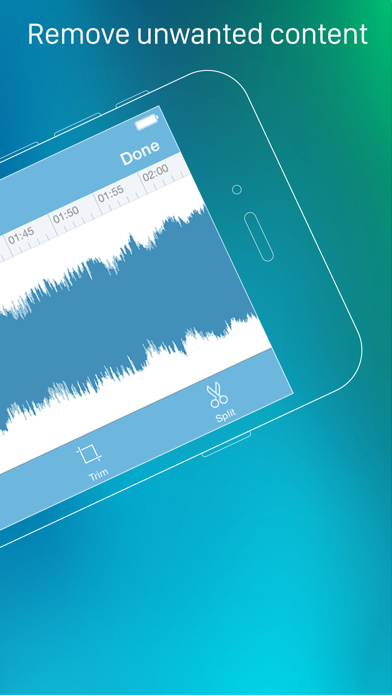
• Edit recordings with split, trim, and delete features
• Keep your recordings synced across your iPhone, iPad and Mac
• Keep your recordings synced with Dropbox
• Share recordings via Wi-Fi, AirDrop, Messages, Email or iTunes File Sharing
• Keep notes in recording Meta tags that are available for other apps
• Adjustable quality of recording
• Audio scrubbing with variable speed
• The ability to change the playback speed
• Built-in search to find recordings by title or comments
• Record in the background mode even when the device is locked
• Import recordings from other apps
• Upload your recordings to Google Drive, Evernote and other apps
• Record directly to high-quality m4a (AAC) files
• 3D Touch Menu support
• Designed for iPhone, iPod touch and iPad
• It’s also available on Mac