Web2Pics - Webpage Screenshots
com.web2pics
View detailed information for Web2Pics - Webpage Screenshots — ratings, download counts, screenshots, pricing and developer details. See integrated SDKs and related technical data.
Screenshots

Description
Web2Pics: The Easiest Way to Capture and Save Webpages!
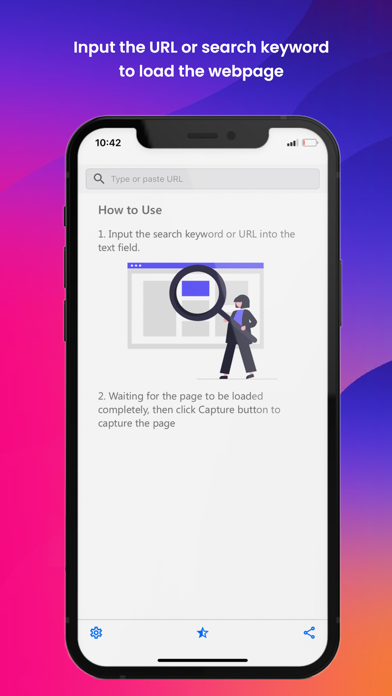
Web2Pics is the best app for capturing and saving webpages. Easily record and save full-length screenshots or specific sections of websites. Share and annotate your webpage captures with ease. Remove unwanted elements and enjoy a clean, distraction-free view. Web2Pics is your go-to tool for all your webpage screenshot needs.
Cool Features:
- Screenshot the Visible Area: Snap images of what you see on your screen.
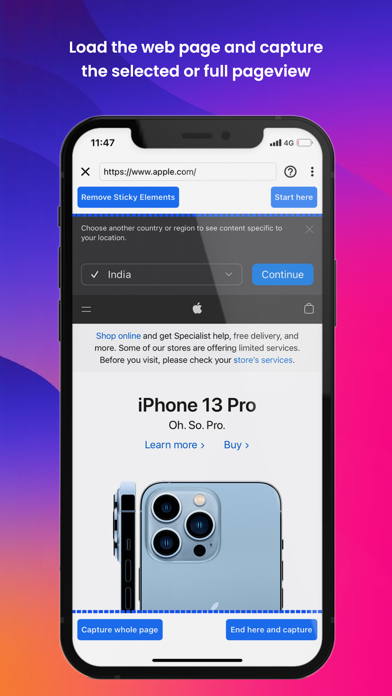
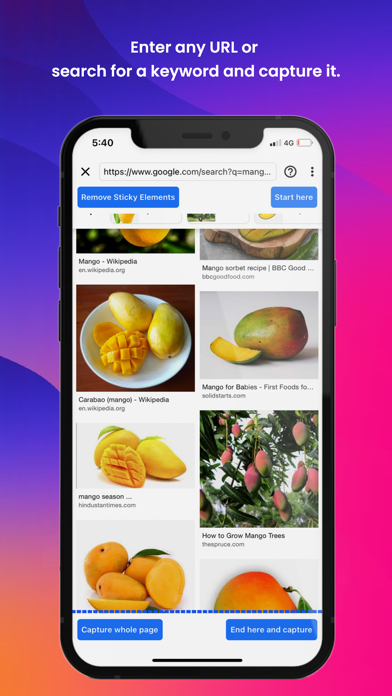
- Full-Length Screenshots: Capture entire web pages from top to bottom.
- Annotate with Ease: Add highlights, text, and shapes to your screenshots.
- Save to Photo Gallery: Keep your screenshots organized on your device.
- Seamless Sharing: Share your screenshots through various options.
- Remove Sticky Elements: Eliminate distracting headers, footers, or pop-ups.
With Web2Pics, taking screenshots is effortless. Whether you need a full-page capture or just a specific section, you can easily focus on the most relevant content.
A standout feature is our ability to remove sticky elements. Tired of headers or pop-ups disrupting your screenshots? With a simple toggle, clean up your images for a distraction-free view.
Use our built-in annotation tools to mark up your screenshots with highlights, text, and shapes, making your captured images more informative and effective.
Web2Pics also doubles as a web recorder. Create a visual archive of your browsing activities, from important moments to inspiring designs, with just a tap.
Manage and organize your captured images within our app’s photo gallery. Access your screenshots anytime and share them effortlessly.
We’re constantly working on adding new features and improvements. We’d love to hear from you! Share your feedback and experiences at support@appculus.com. Thanks for choosing Web2Pics!