TextMax2
com.vutienthinh.macos.TextMAX2
View detailed information for TextMax2 — ratings, download counts, screenshots, pricing and developer details. See integrated SDKs and related technical data.
- No items.
Screenshots
Description
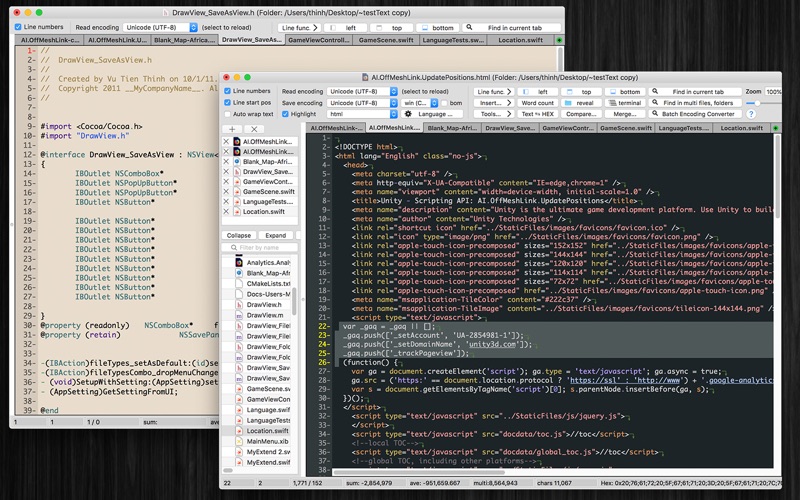
TextMax is a fast, easy-to-use text editor with many features for editing, searching, and manipulation of text, source code, or HTML, XML, Plist content.
Application's Functions:
- Support multi-languages: English, Deutsch, Français, 日本語, 한국어, Español, Português, Čeština, Dansk, Suomi, Italiano, Nederlands, Norsk, Polski, Русский, Svenska, ไทย, Türkçe, Tiếng Việt, 中文(中国), 中文(台灣)
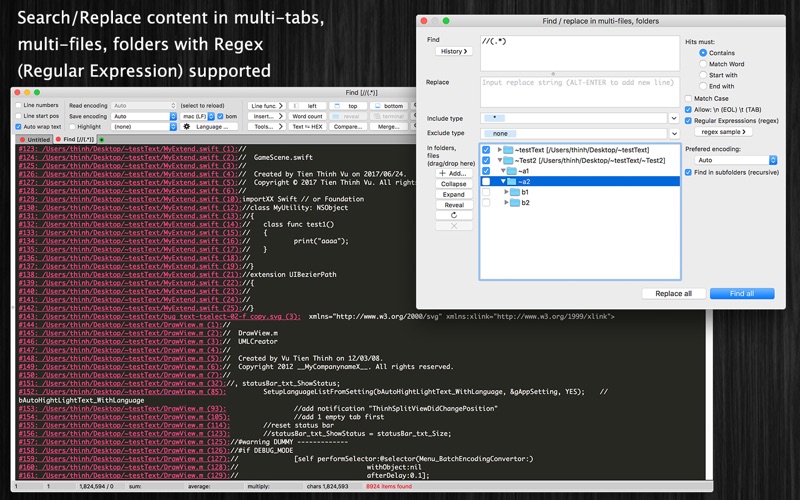
- Search/Replace content in multi tab, multi files, folder with Regex (Regular Expression) supported
- Multi document in the same window (with tab control, tab list)
- Multi-Language for Syntax highlight or Commenting source code
- Support Large Text File (hundreds of MB ~ several GB)
- Save document with custom encoding, custom permission
- Auto backup unsaved content after quitting the app
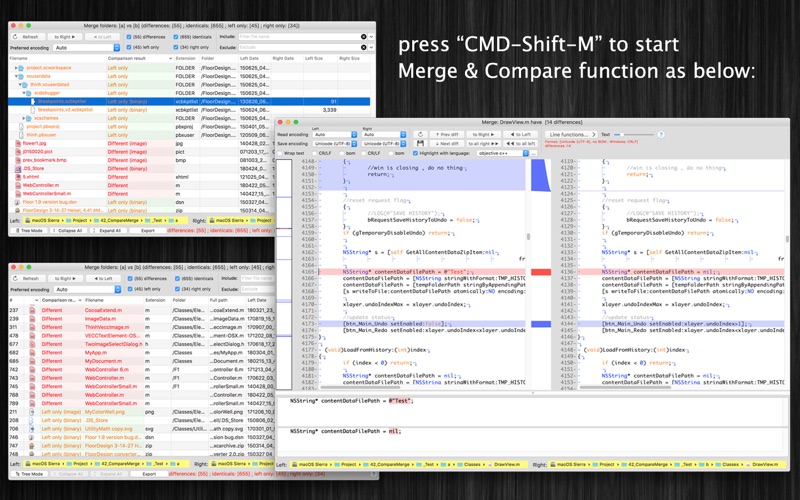
- Include [Merge & Compare] tool
- Include [Batch Encoding Converter (find files base on Encoding then convert to another Encoding)] tool
- Include [Word Count] tool
- Include [Lines of Code (LOC) counter] tool
- Include [ASCII, Unicode - HEX - Base64(MIME) converter] tool
- Insert repeat content multiple times
- Insert current time, date, other files' content, folder tree....
- Show Line Number, END of LINE mark, TAB mark
- Show "SUM", "AVERAGE", "MULTIPLY" value of selected numbers
- Increase/Decrease selected Lines' Indent by Tab key
- Hard wrap, Soft wrap (wrap to window)
- Support multi pre-defined color-themes for editing window (in Preferences dialog)
- Allow user to customize color of: background, text, syntax, select text, number, string ....
- Support [Simple Editing Window Mode] (toggle by using CMD-1 shortcut key)
- Print document
- Show Line number
- Jump to Line
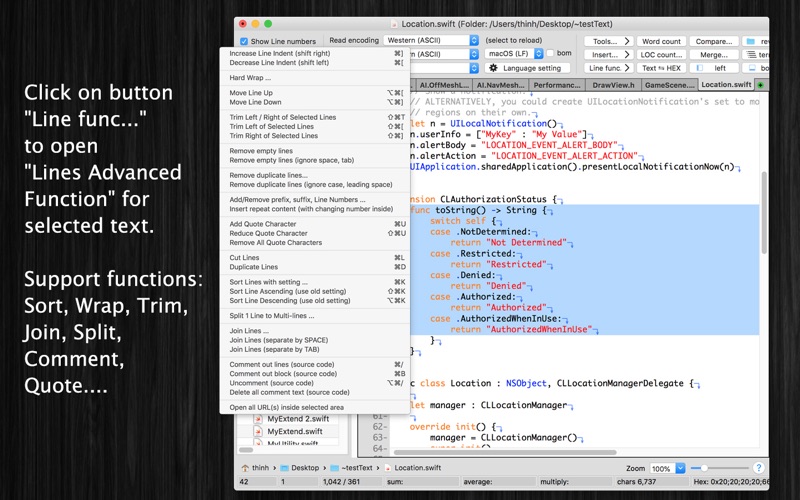
- Move lines up/down
- Trim selected lines
- Remove empty lines
- Remove duplicate lines
- Add/Remove prefix, suffix, line numbers
- Add/Remove/Reduce Quote character
- Sort lines
- Split/Join lines
- Comment out/Uncomment source code
- Open multiple URL Links at the same time
- Zoom in and zoom out
- Support read/write binary plist file
- Unlimited Undo/Redo