Fax with TurboFax
com.piksoft.TurboFax
View detailed information for Fax with TurboFax — ratings, download counts, screenshots, pricing and developer details. See integrated SDKs and related technical data.
Screenshots


Description
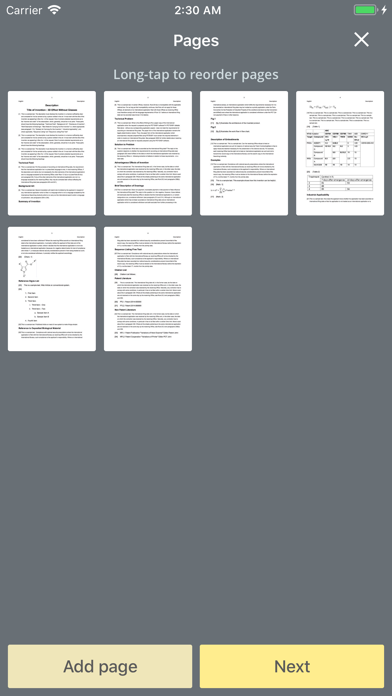
Turbo Fax turns your iPhone into a powerful fax machine for documents, IDs, forms and other text. Scan you documents with ease or import PDFs from multiple other sources and fax them with added cover page anywhere. Get notified when your fax is delivered.
Our easy to use built-in scanning feature detects document edges automatically, crops and straightens it, while removing shadows and setting the perfect contrast – black on white.
Send faxes to over 40 countries, including US, Canada, Australia, India, Japan, most of Europe, etc.
Features:
• "Scan" with camera or import PDFs from different sources for faxing
• Easy cover page feature
• Instant delivery notification
• Fax history with “resend” capability
• Scanned page auto edge detection and perspective correction
• Send multiple faxes at once
• Send domestically or internationally at the same rate
• Open faxes in other apps as PDF
• Cannot receive faxes
Tips on scanning:
• Make sure your document is flat and well lit.
• For best edge detection, place your page on a contrasting background.
Cost:
• 1st page is FREE!
• 2-page package: $1.99 ($0.99/page)
• 5-page package: $2.99 ($0.59/page)
• 15-page package: $6.99 ($0.47/page)
• 30-page package: $10.99 ($0.37/page)
• Domestic or international: same price
We're constantly improving Turbo Fax, and we value our customers' opinions and feedback. Please contact us at support@turboscanapp.com before submitting a comment to the store.