Colordrop: Color Picker
com.penguingeorge.Colordrop-2
View detailed information for Colordrop: Color Picker — ratings, download counts, screenshots, pricing and developer details. See integrated SDKs and related technical data.
- No items.
Screenshots
Description
Capture and inspect the colors in your photos with Colordrop – a modern and advanced color picker.
CAPTURE
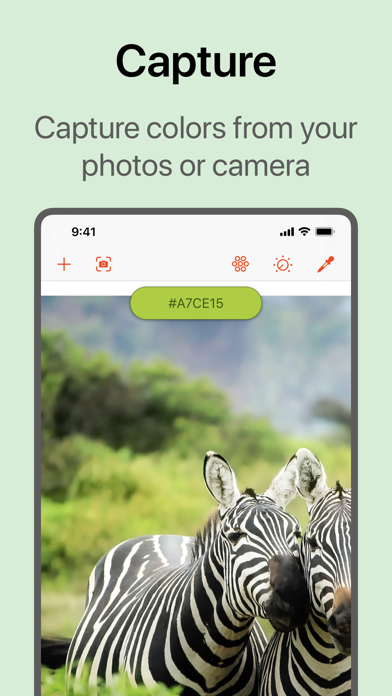
Capture colors from your photos.
- Pick colors from any image or photo.
- Open from your Photo Library, Camera, or Files.
- Live Capture lets you see the colors around you in real time.
- Open images or import colors from Adobe Creative Cloud.
- Easily view and pick the most dominant colors in an image.
- Select a 'capture radius' to have granular control over the colors you capture.
- The Colordrop app extension lets you pick colors without opening the app, for example in the Photos app.
- Today View widget shows you your most recent colors.
- Manually add a color by hex code or using the built-in color picker.
INSPECT
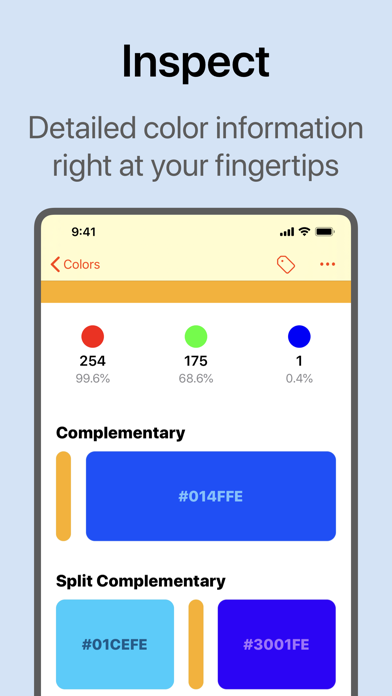
The most detailed color analysis tool available on iPhone or iPad.
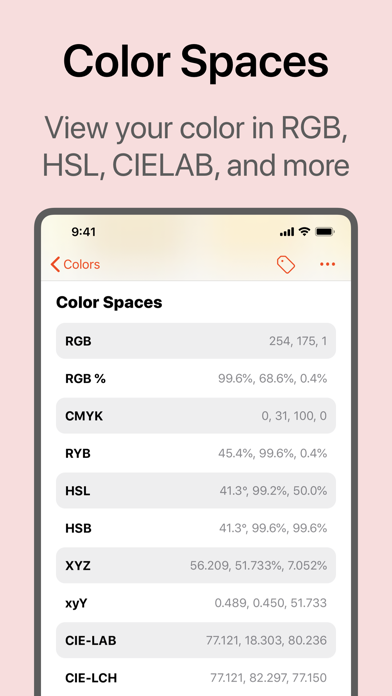
- RGB, CYMK and RYB color overviews.
- CIE-LAB, CIE-LCH, HSL, HSV, XYZ color values (and many more).
- Complementary and split-complementary colors.
- Triadic and tetradic colors.
- Tints, shades, tones and monochromatic colors.
- Square and analogous colors.
- Similar colors for RAL Classic, Web, HKS and many more.
- Color blindness simulator and color contrast checker.
- Quickly copy or share color codes.
- Color descriptions describe the appearance of a color in real terms.
- Metadata tells you the source of the color, and when you saved it.
EVEN MORE...
A powerful tool for developers and creatives alike.
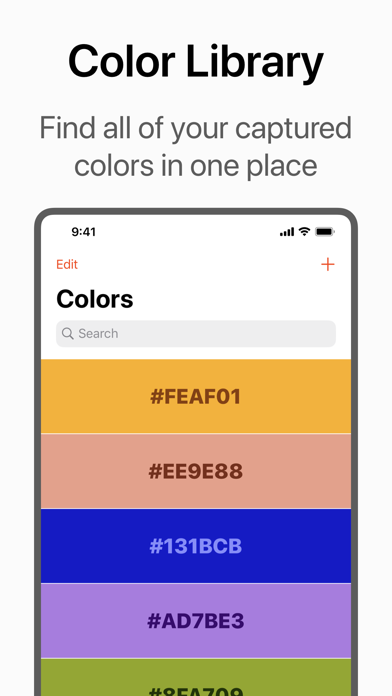
- Powerful search feature, including support for Spotlight.
- Organize your colors with tags.
- Drag and drop colors to other apps, or to save new ones.
- Siri Shortcuts for capturing or viewing colors.
- Apple Watch app to view all of your saved colors at a glance.
- Export colors to Procreate swatch, Adobe color swatch, or to JSON or CSV formats.
- Change the default illuminant for accurate color in any environment.
- Customize the color data you see.
Colordrop is developed by a team of one! Any feedback and suggestions for new features are greatly appreciated. You can get in touch on Twitter (@penguingeorge), or by emailing help@penguingeorge.com.