OneLogin Protect
com.onelogin.OneloginOTPApp
View detailed information for OneLogin Protect — ratings, download counts, screenshots, pricing and developer details. See integrated SDKs and related technical data.
Screenshots
Description
OneLogin Protect authenticator, a free, enterprise-ready MFA app, provides two-factor authentication for all your OneLogin SSO accounts and thousands of third-party apps and services. When you use multi-factor authentication, you automatically increase the security of your online accounts.
Features
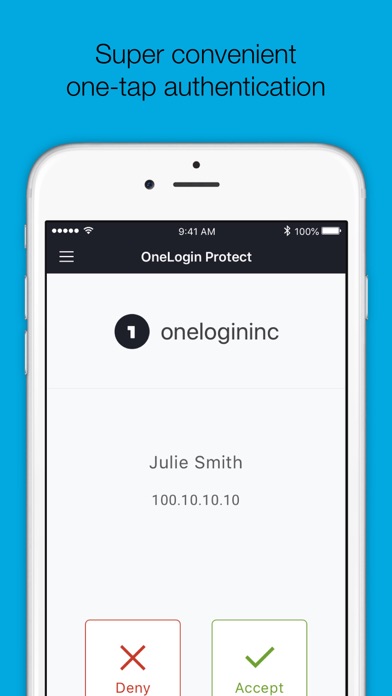
• Alerts user with a push notification, user responds with just a tap (OneLogin accounts only).
• Requires your Touch ID, Face ID, or PIN to accept push notification (OneLogin accounts only).
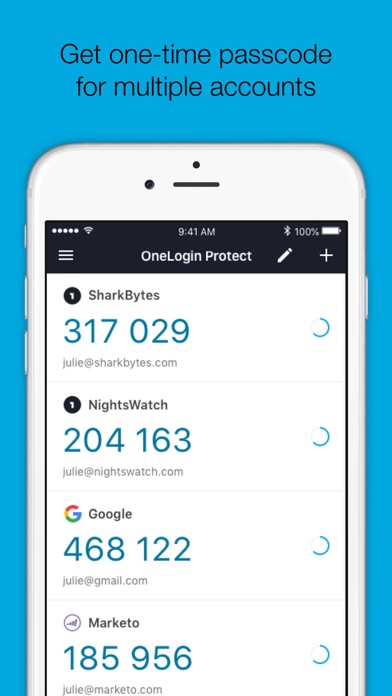
• Works with third-party providers and accounts which you can add at any time.
• Compatible with services using OATH security tokens (i.e. Google Authenticator).
• Generates a unique 6-digit code every 30 seconds for each account (TOTP).
• Generates verification codes without a data connection.
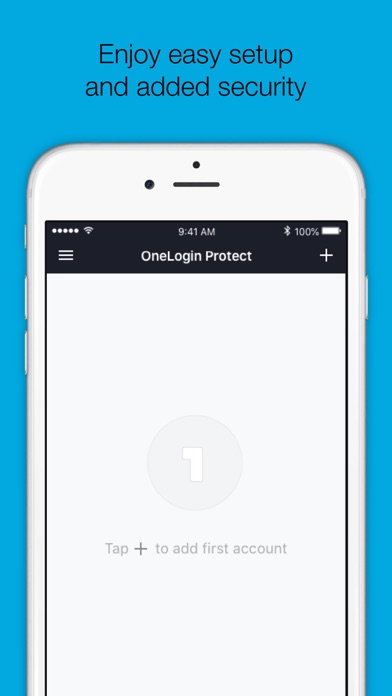
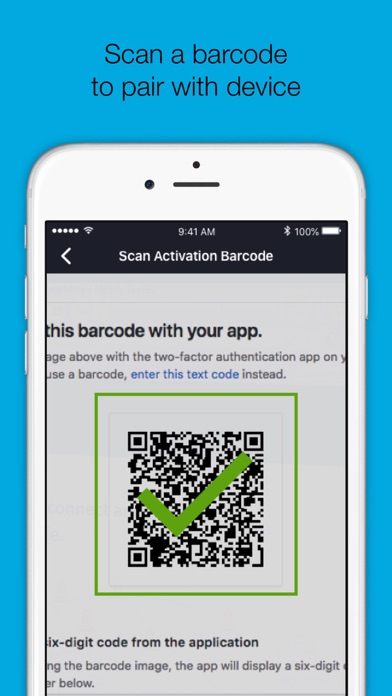
• Adds a new account by scanning a QR code or by entering it manually.
• Securely backup and restore your accounts to your own Google Drive
Permissions
• Camera access for scanning QR code when adding new accounts.
• Push notifications for delivery of OTP requests
Learn more
• Learn more about 2-step verification at onelogin.com/onelogin-protect-authenticator
• Follow us on Twitter: https://twitter.com/onelogin
• Like us on Facebook: https://www.facebook.com/onelogin