LowRes NX Coder
com.inutilis.ios.LowRes-NX-Coder
View detailed information for LowRes NX Coder — ratings, download counts, screenshots, pricing and developer details. See integrated SDKs and related technical data.
- No items.
Screenshots
Description
Make your own retro games on a virtual game console. Program in the classic BASIC language and create sprites, tile maps, sound and music with the included tools. As a beginner you will quickly understand how to create simple text games or show your first sprite on a tile map. As an experienced programmer you can discover the full potential of retro hardware tricks!
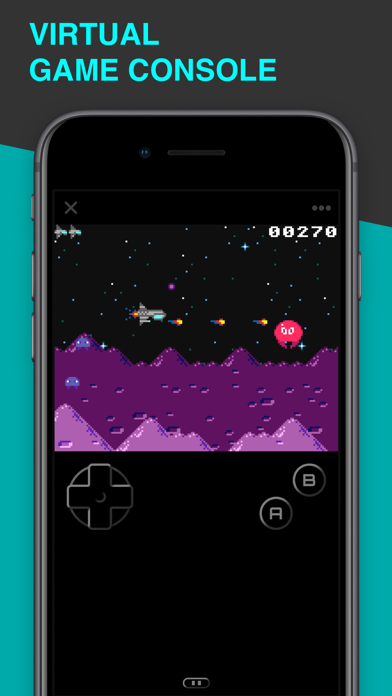
Virtual Game Console
Imagine LowRes NX as a handheld game console with a d-pad, two action buttons and a little rubber keyboard below a slidable touchscreen. LowRes NX was inspired by real 8- and 16-bit systems and simulates chips for graphics, sound and I/O, which actually work like classic hardware. It supports hardware sprites as well as hardware parallax scrolling, and even offers vertical blank and raster interrupts to create authentic retro effects.
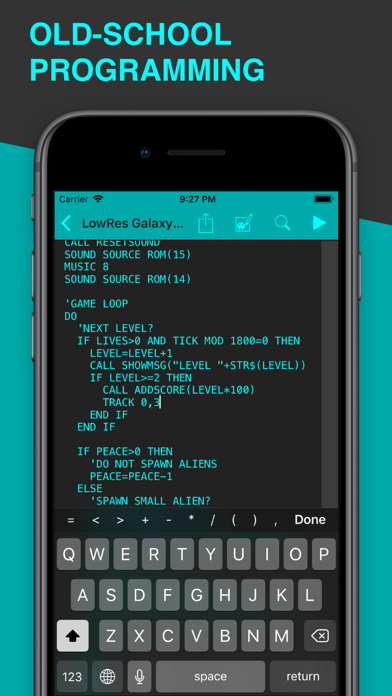
Old-School Programming
The programming language of LowRes NX is based on second-generation, structured BASIC. It offers all the classic commands, but with labels, loops and subprograms instead of line numbers. Graphics and sound are supported by additional commands and you can even access the virtual hardware directly using PEEK and POKE. You have complete control over the program flow, there is no standard update function to implement.
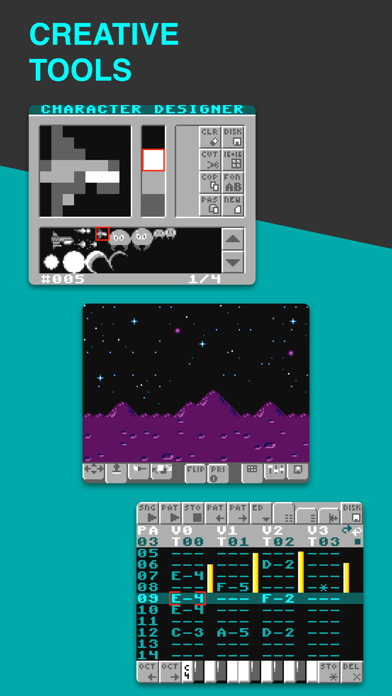
Creative Tools
LowRes NX includes all the tools you need: The Gfx Designer for editing sprites, tiles, fonts and maps, as well as the Sound Composer for music and sound effects. All of these are just normal BASIC programs. You can change and improve them or even create your own custom editors.
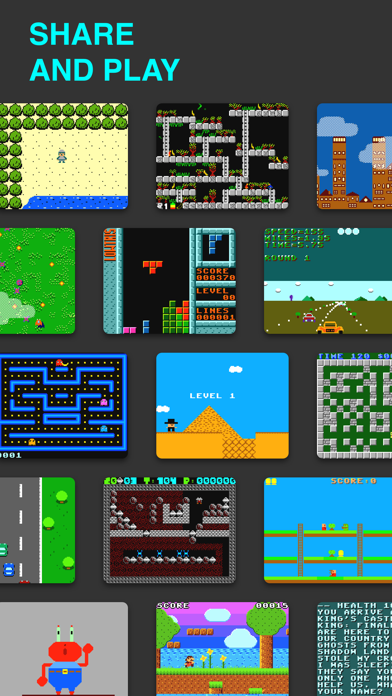
Share and Play
Send your games directly to other users or share them via the website. All programs are open source, so you can play them, learn from them and edit them. Do you prefer making just art or music? Share your creations as assets and let other programmers use them in their projects.