Kettlebell & Med Ball Workouts
com.getfitivity.workouts.kettlebell
View detailed information for Kettlebell & Med Ball Workouts — ratings, download counts, screenshots, pricing and developer details. See integrated SDKs and related technical data.
Total installs
100+
Rating
5.0(1 reviews)
Released
July 8, 2015
Last updated
March 22, 2025
Category
Health & Fitness
Developer
Loyal Health & Fitness, Inc.
Developer details
Name
Loyal Health & Fitness, Inc.
E-mail
unknown
Website
https://www.loyal.app/
Country
unknown
Address
unknown
Screenshots

Description
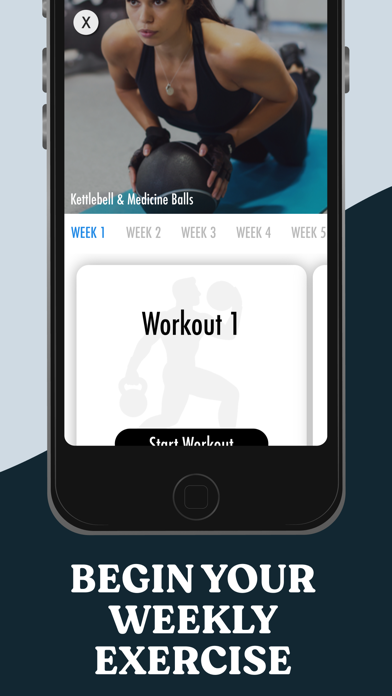
This app features and uses the use of both Kettlebells and Medicine Balls to make your workouts more exciting and effective!
Kettlebells are a unique fitness tool that make traditional dumbbell exercises more challenging. Medicine balls are also a creative fitness tool to help you in your resistance training. Get a full body workout with this strength training program!
Your Fitivity app now has multiple training programs in it for fitness! Switch between programs that were designed specifically for you!
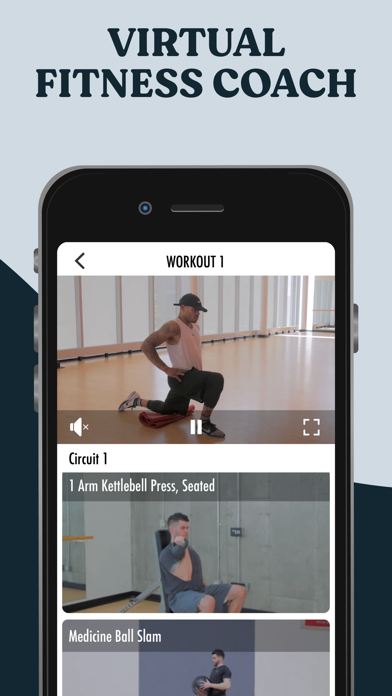
In addition to your weekly workouts, try out Fitivity COACHING! Coaching is a highly engaging exercise experience that combines mixes by DJ's and super motivating trainers to push you through workouts.
• Audio guidance from your personal digital trainer
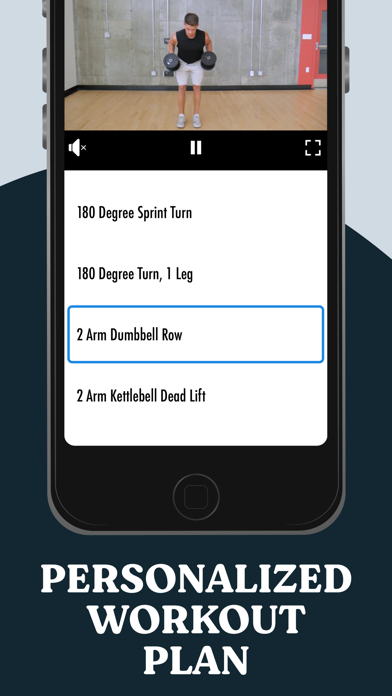
• Customized workouts designed for you each week.
• For each workout you are provided with HD instructional videos to preview & learn training techniques.
• Stream workouts online or do workouts offline.
Subscription Details
For your convenience, subscription charges will be processed through your iTunes account, ensuring a seamless and secure payment experience. You can manage your subscription at any time, giving you full control over your membership. Should you decide to cancel, simply do so at least 24 hours before the end of your current subscription period to avoid auto-renewal.
• Payment is charged to your iTunes account at confirmation of purchase.
• Subscription automatically renews unless auto-renew is turned off at least 24 hours before the end of the current period. You can turn off the auto-renew subscription from your device settings.
• Account will be charged for renewal within 24 hours before the end of the current period.
• Subscriptions may be managed by the user and auto-renewal may be turned off by going to the user's Account Settings after purchase.
• Any unused portion of a free trial period, if offered, will be forfeited when the user purchases a subscription.
To manage your subscription or turn off auto-renewal on your iPhone:
1. Open the Settings app
2. Tap your name or Apple ID
3. Tap Subscriptions
4. Tap the subscription you want to manage
5. Use the options to manage your subscription
Privacy Policy and Terms of Use: https://www.loyal.app/privacy-policy