NOISE CANCEL
com.fonogulf.noisecancel
View detailed information for NOISE CANCEL — ratings, download counts, screenshots, pricing and developer details. See integrated SDKs and related technical data.
Total installs
0+
Rating
0.0
Released
October 4, 2016
Last updated
October 4, 2016
Category
Social Networking
Developer
Musrat Nahar
Developer details
Name
Musrat Nahar
E-mail
unknown
Website
unknown
Country
unknown
Address
unknown
Screenshots



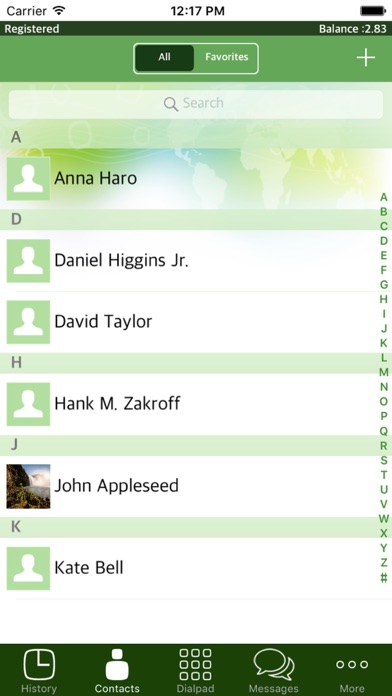
Description
NOISE CANCEL for iPhone, iPad and iPod Touch let you make voice call worldwide with the finest voice quality..
App Benefits:
•Works from all over the world
•Uses iPhone contacts
•Crystal Clear Quality
•Lowest International Rates
•Satisfaction guaranteed!
With this application, user can make cheap VOIP calls.
Main features:
* Making and receiving VoIP calls
* Built-in tunnel for passing thru VoIP blockades
* Connectivity through WIFI, 4G/3G,2G EDGE
* Integrated contacts from the phone
* Loudspeaker
* Balance information
* Call cost information
* Time, call status logs
How to Activate:
1. Go to App Store and download "NOISE CANCEL" on your iPhone, iPad and or iPod.
2. Launch NOISE CANCEL —> Settings—> enter your user name and PIN.
3. Launch NOISE CANCEL and dial destination number using any of the Dial formats or directly from Contact list.