DxO OpticsPro for Photos - ONE
com.dxo.DxOOpticsProLiteForPhotos
View detailed information for DxO OpticsPro for Photos - ONE — ratings, download counts, screenshots, pricing and developer details. See integrated SDKs and related technical data.
- No items.
Screenshots

Description
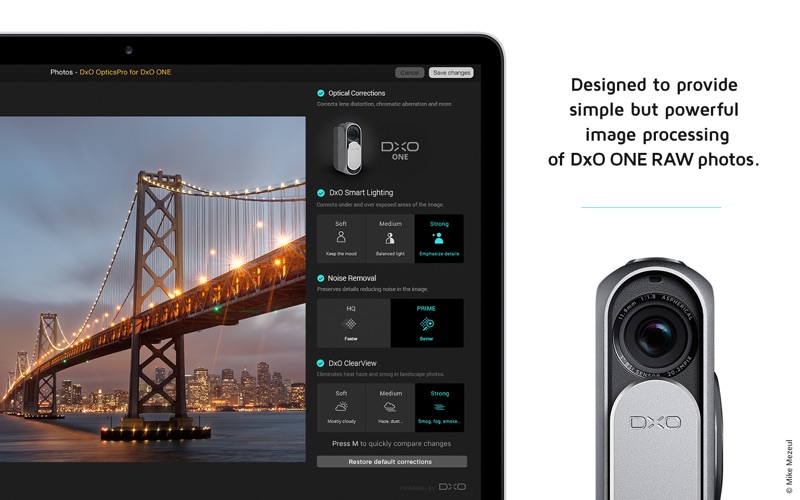
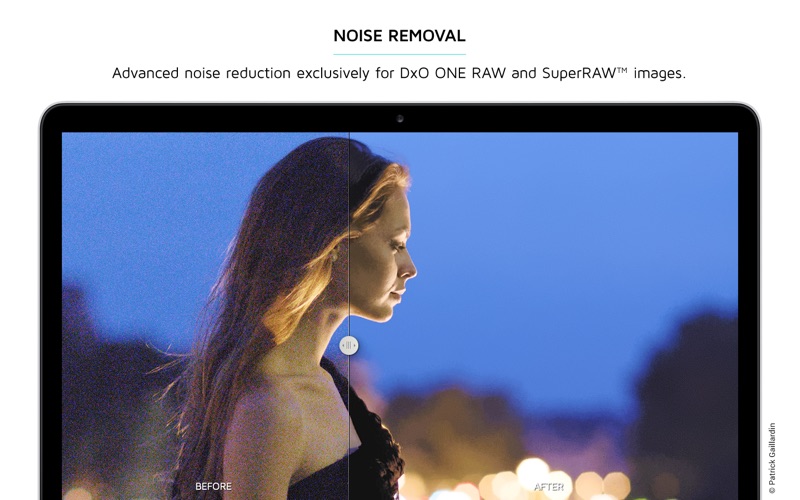
DxO OpticsPro for Photos - DxO ONE Camera Only is designed to provide a seamless image processing workflow for DxO ONE users who are on a Mac, and use OS X Photos as their primary photo application. DxO image processing for DxO ONE image files can now be accessed directly from the editing mode of OS X Photos, with DxO Connect acting as a 3rd-party extension. The extension is capable of applying optical corrections, White Balance correction, DxO Smart Lighting, PRIME (and TNR) denoising and DxO ClearView haze removal, in a completely new user interface that is simple, clean and intuitive.
One-click corrections for RAW images:
• Default corrections include Lens Corrections, White Balance, DxO Smart Lighting, Noise Removal
• Toggle to view the before/after benefits
• Choose Faster (HQ) or Better (PRIME) denoise correction
• Use the magnification loupe for a preview of PRIME denoising
• Restore default corrections with a click
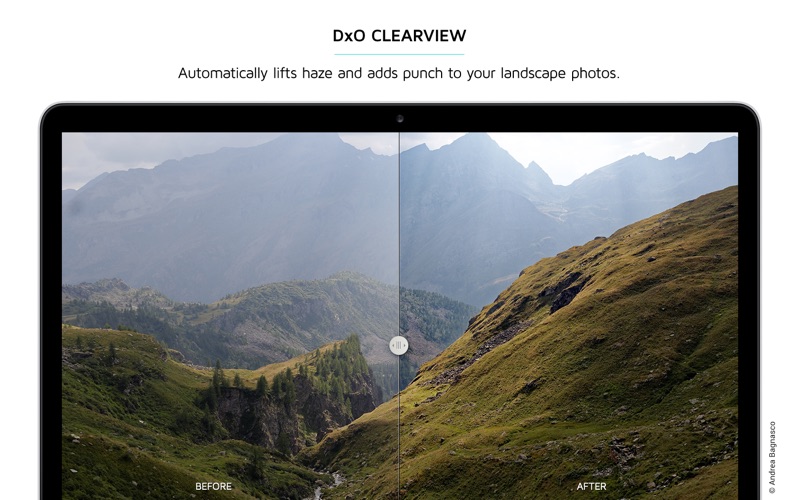
One-click DxO ClearView for RAW images:
• Instantly remove haze and smog from landscape photos
• Choose between varying levels of intensity with a click
Customize correction level using sliders:
• If One-click is not enough, feel free to adjust automatic correction with sliders