PreviewCode
com.bps.PreviewCode
View detailed information for PreviewCode — ratings, download counts, screenshots, pricing and developer details. See integrated SDKs and related technical data.
Total installs
0+
Rating
0.0
Released
June 16, 2021
Last updated
April 13, 2025
Category
Developer Tools
Developer
Black Pyramid Software
Developer details
Name
Black Pyramid Software
E-mail
unknown
Website
https://smittytone.net/fontismo/
Country
unknown
Address
unknown
iOS SDKs
- No items.
Screenshots


Description
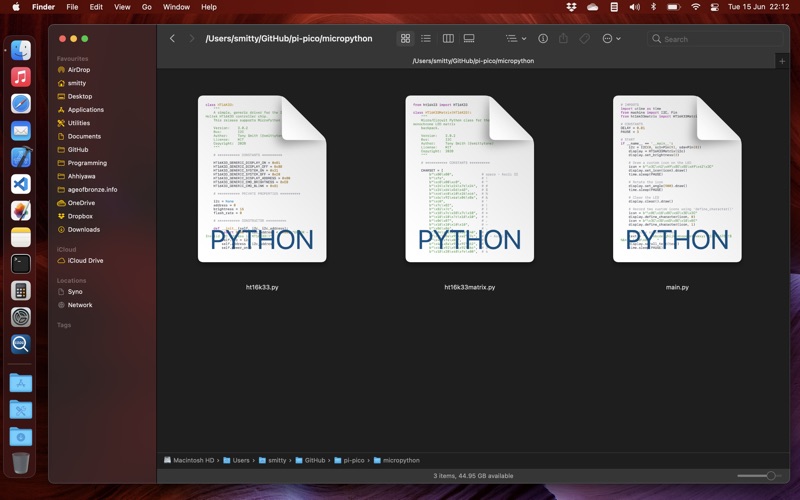
PreviewCode provides QuickLook file previews and Finder file icon thumbnails for source code documents and data files for a wide variety of programming languages.
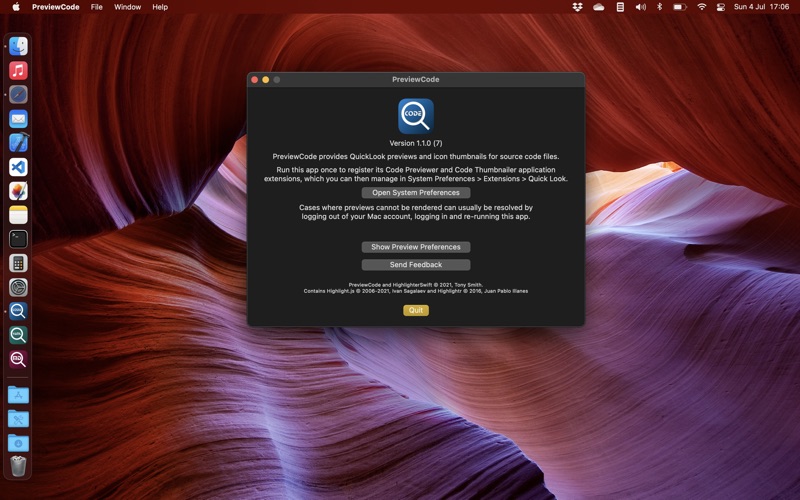
The app provides two app extensions: Code Previewer and Code Thumbnailer, which can be viewed and managed in macOS’ System Preferences > Extensions. The app itself is a container for these extensions.
You must run the app first to gain these benefits.
PreviewCode supports the following languages features:
• ActionScript
• Ada
• AppleScript
• Arduino
• Basic
• Brainfuck
• C
• C++
• C#
• Clojure
• CoffeeScript
• Dart
• Elixir
• Elm
• Erlang
• Fortran
• F#
• GML
• Go
• Haskell
• Java
• JavaScript
• Julia
• Kotlin
• Lisp
• Lua
• Objective-C
• Pascal
• Perl
• PHP
• Python
• Ruby
• Rust
• Swift
• TypeScript
• Visual Basic Script
• Vue.js
Shell Scripting
• Bash
• C Shell
• Korn Shell
• TCSH
• Z Shell
Assembly
• ARM Assembler
• x86-64 Assembler
Others
• CSS
• LaTex
• Protobuf
• SASS/SCSS
• SQL script
• Twig
• Terraform source and vars files
• .cmake files
• .env files
• Config files
• Asciidoc
• Xcode files (.storyboard, .xib, .plist)
Known Issues
• PreviewCode will not render Clojure .edn files: the .edn file extension is pre-set on macOS to an Adobe digital rights management product.
• PreviewCode will not render TypeScript .ts files: the .ts file extension is pre-set on macOS to MPEG-2 transport stream video files. The .tsx and .typescript extensions are supported.
• PreviewCode will not render Elixir .exs files if GarageBand and/or Logic Pro is installed on your Mac. This is because these apps use this file extension for EXS24 instrument files.
- Previews displayed on external displays, or on Macs with connected to multiple monitors, may intermittently not be scrollable if you’re using a third-party mouse. Workaround: a MacBook’s built-in trackpad will be able to scroll.
- Deselecting code in the preview is not immediate: the highlight clears after ~1s. We are investigating fixes.