BayIcons
com.bayhoff.circleicons
View detailed information for BayIcons — ratings, download counts, screenshots, pricing and developer details. See integrated SDKs and related technical data.
- No items.
Screenshots

Description
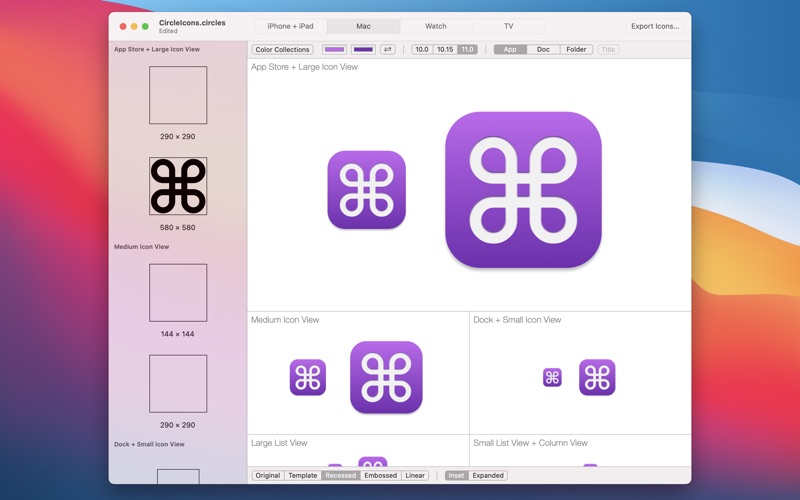
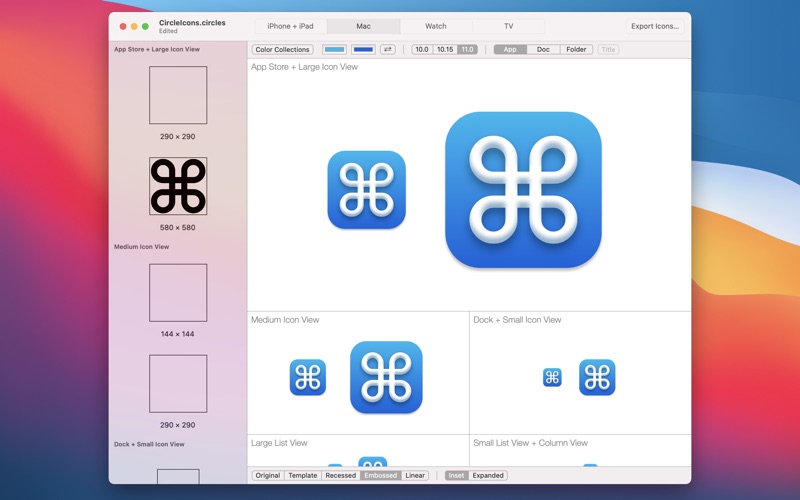
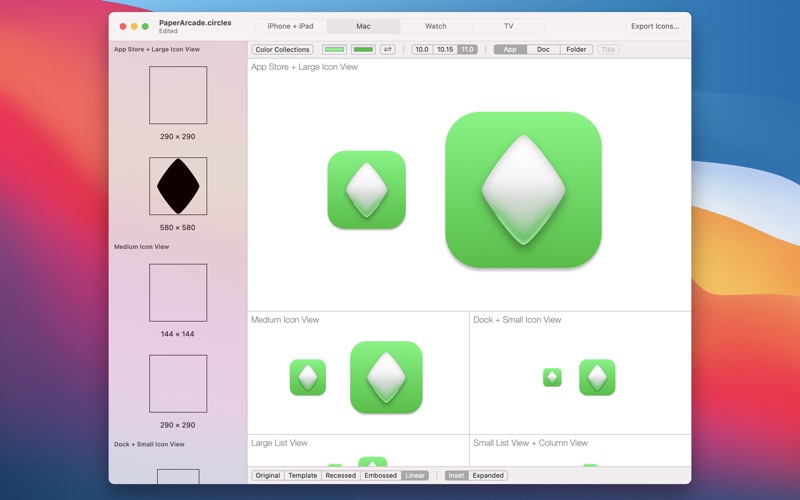
Easily create app icons for your iPhone, iPad, Mac, Watch, and TV apps using BayIcons. As of version 4.0, neuromorphic options have been added for Mac Icons. (See screenshots for more info.)
Steps to create a icon:
– Create a template image in your favorite image editor.
– Create a new BayIcons document.
– Drop the template image into the required image well.
– Choose the gradient colors from various included color collections, or create your own.
– Export the icon.
Features:
* Export an icon as an Xcode asset catalog (.xcassets) or for the web (favicon).
* Mac: Choose between three neuromorphic styles: Recessed, Embossed, and Linear.
* Mac: Choose between three icon types: App, Document (with title), and Folder.
* iPhone + iPad: Choose between three icon styles: Plain, Circle, Rounded Rectangle.
* Choose between various color collections (gradient + circle colors), or create your own.
* While a template image for the App Store-sized icon is required, images for other sizes can optionally be dropped in for fine tuning.
* TV: BayIcons supports both TV app icons and top shelf images.
As shown in the screenshots, the BayIcons app icon was created using BayIcons.
Starting with version 4.0, BayIcons now handles purchases within the app. BayIcons is now a free “get” download and is free to try out for an indefinite amount of time. Watermarks are added to exported icon images when using the free version. Watermarks can be removed by purchasing a full license. (Users who purchased BayIcons prior to 4.0 do not need to repurchase the app.)