Audiofusion Performer
com.audiofusionsystems.inFusion
View detailed information for Audiofusion Performer — ratings, download counts, screenshots, pricing and developer details. See integrated SDKs and related technical data.
Screenshots

Description
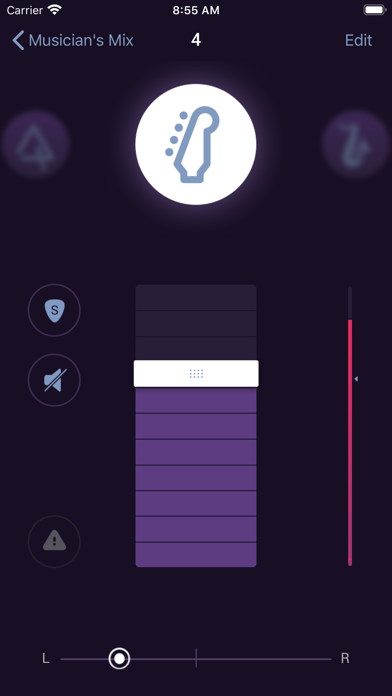
By receiving real-time audio over Wi-Fi and playing it through your ear phones, Audiofusion Performer turns your iPhone into a wireless in-ear monitoring system.
Plus, Performer is a complete monitor mixer, giving you complete control over the sound in your ears. Adjust the volume, panning and labeling of each audio input to create your personalized mix.
Performer receives its audio from our Audiofusion SoundCaster app, which runs on MacBook.
SoundCaster connects to your digital audio source and broadcasts it in real-time over Wi-Fi to each connected Performer. Performer will only receive audio from Audio Fusion's SoundCaster software.
Performer and SoundCaster work in conjunction with a third app for iPad called Audiofusion Director. It can be used by the sound technician or monitor engineer to hear the mix each musician has on their Performer. Director gives you simultaneous control over each musician's mix to help with troubleshooting and fine-tuning. With it, you can also edit the instrument labels and remotely control the audio settings on SoundCaster.