The 180 Timer - LSAT Proctor
com.LucasAzzopardi.LSAT-Proctor
View detailed information for The 180 Timer - LSAT Proctor — ratings, download counts, screenshots, pricing and developer details. See integrated SDKs and related technical data.
- No items.
Screenshots
Description
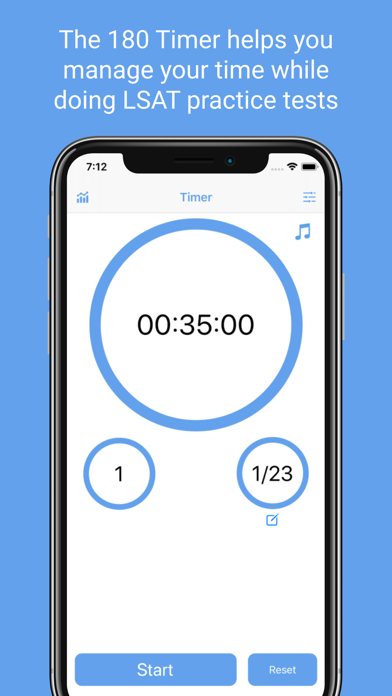
The 180 Timer is the perfect tool to help you manage your practice tests while studying for the LSAT! The 180 timer presents all the data you need to know while taking a test, in a simple yet beautiful way.
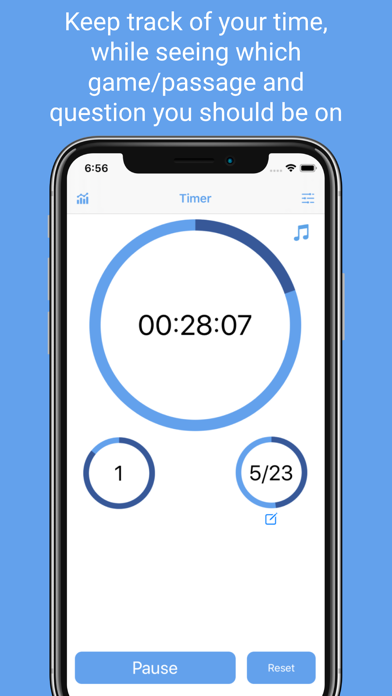
With the 180 Timer, all the information you need is readily available:
- See the overall time remaining
- See which passage, or game you should be on
- See what question number you should be on
All of this data is presented with both a digital time, and a progress circle, to help you visualize how much time you have left on each section, game, or question.
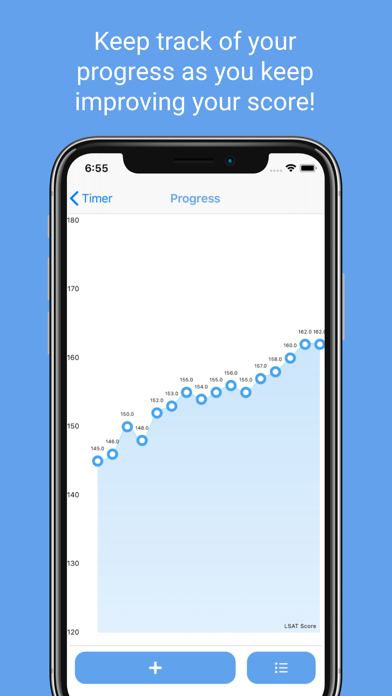
After you finish a practice test, you can keep track of your progress by uploading your score within the app. This will help you see your results over time.
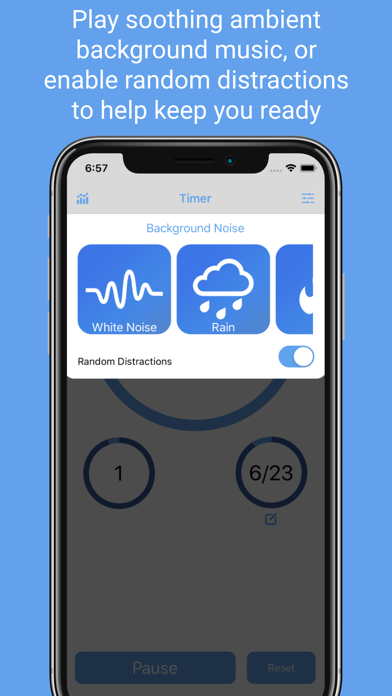
Stay focused by playing ambient music while writing your test. Choose from white noise, rain, fire, or waves. Challenge yourself by toggling on random distractions which will simulate real life testing conditions.
Accessibility: Easily change the timer length to accommodate for any accessibility needs.
There is no better tool to help you manage your time while writing the LSAT. Good luck studying!