iSymmetry - Pattern Painting
DavidCrooks.iSymmetry
View detailed information for iSymmetry - Pattern Painting — ratings, download counts, screenshots, pricing and developer details. See integrated SDKs and related technical data.
Total installs
1,000+
Rating
4.4(91 reviews)
Released
November 19, 2012
Last updated
September 26, 2025
Category
Graphics & Design
Developer
DAVID CROOKS SOFTWARE DEVELOPMENT LIMITED
Developer details
Name
DAVID CROOKS SOFTWARE DEVELOPMENT LIMITED
E-mail
unknown
Website
unknown
Country
unknown
Address
unknown
iOS SDKs
- No items.
Screenshots
Description
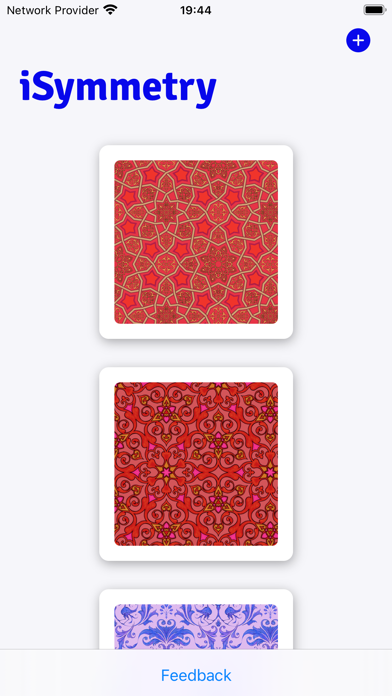
iSymmetry is a complete studio for seamless pattern creation. Every brush stroke is transformed into a kaleidoscopic design. Built for the iPad and Apple Pencil, iSymmetry gives artists and designers powerful tools to create beautiful patterns with ease.
iSymmetry is fun and intuitive and packed with powerful features:
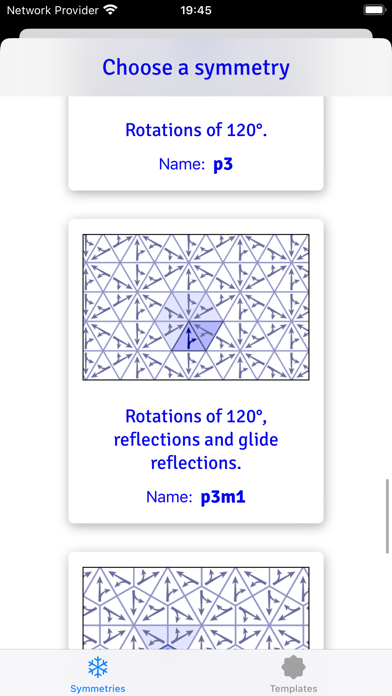
SYMMETRIES
- 17 Kinds of Pattern (wallpaper groups)
- 23 Pattern templates
- Symmetry guide lines
BRUSHES
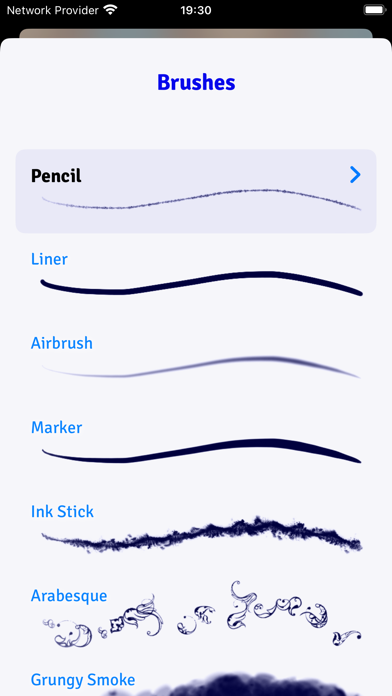
- 18 expressive brushes: Pencil, Liner, Airbrush, Marker, Ink Stick, Arabesque, Grungy Smoke, Oil, Ink Splatter, Squiggles, Rings, Charcoal, Pastel, Laser, Grungy Rings, Smoulder, Spectral Grain, Ink Splodge
- Full support for Apple Pencil
- Slider controls for scatter, hardness and pressure to give you even more creative control
PRECISION SHAPE TOOLS
- Line
- Star
- Polygon
- Triangle
- Circle
- Arc
Import Photos
- Kaleidoscopic photo import
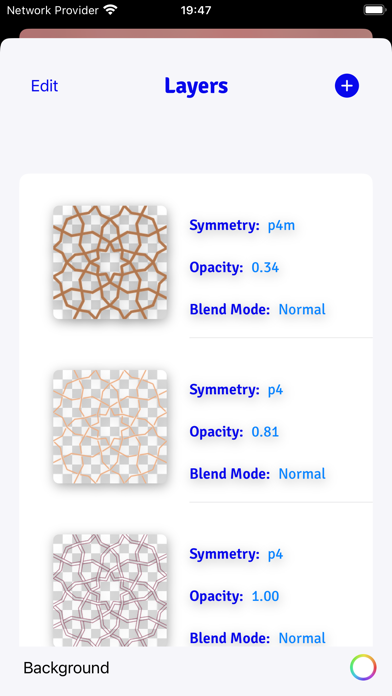
LAYERS
- Blend modes: normal, multiply, screen, overlay, soft-light
- Opacity
- Offsets
- Individual layer symmetry
- Merge, duplicate, delete and reorder layers
COLOR
- HSB and RGB color picker.
- Swatches
- Eyedropper
Share/Export
- export seamless pattern tile
- export patterns of custom size
- png/jpg
- Export as Procreate pattern brush
FILTERS
- Blur
- Hue
- Color Controls
- Tone Curve
- Vibrance
PATTERN TRANSFORMATIONS
- Möbius transformations
- Spiral transformations
- Bipolar transformations
- Animate patterns transformations
- Record and share pattern animations
AUGMENTED REALITY
- View patterns on 3D objects in Augmented Reality
- Choose from Dress, Cushions, Shirt, Vase