iMarq CAD
Connixt.CIXMBLIMARQFMCAD
View detailed information for iMarq CAD — ratings, download counts, screenshots, pricing and developer details. See integrated SDKs and related technical data.
Screenshots
Description
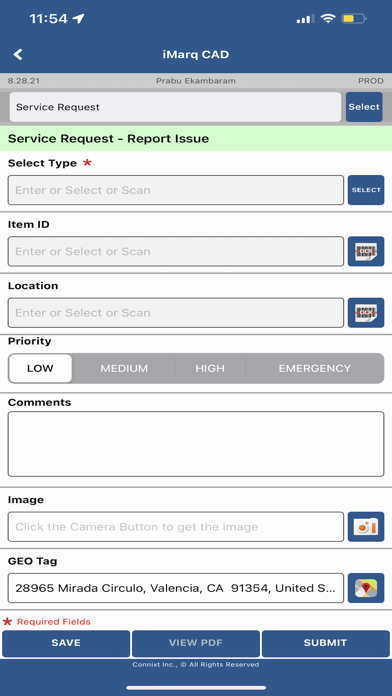
iMarq automates real-time updates and status reports (with photographs and automatic geo-tagging / time-stamping) from the field.
The Connixt iMarq mobile suite is the fastest way to connect with your crew, contractors, and temporary workers. In fact, onboarding temporary workers from the field is easy and quick.
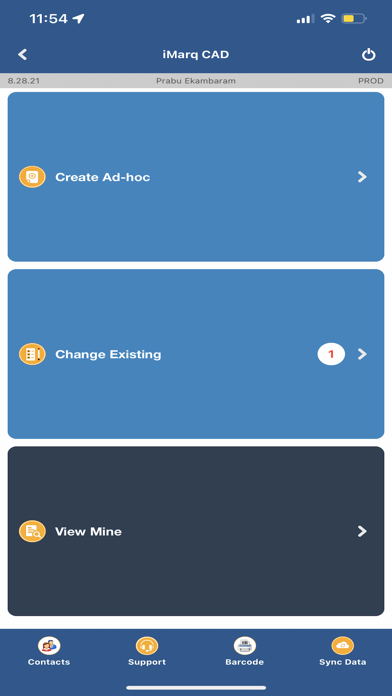
Any crew-member using iMarq can report status, location, create and manage Work Orders, inspections, service requests and timesheets – all from the field or shop-floor using standard tablets or smartphones.
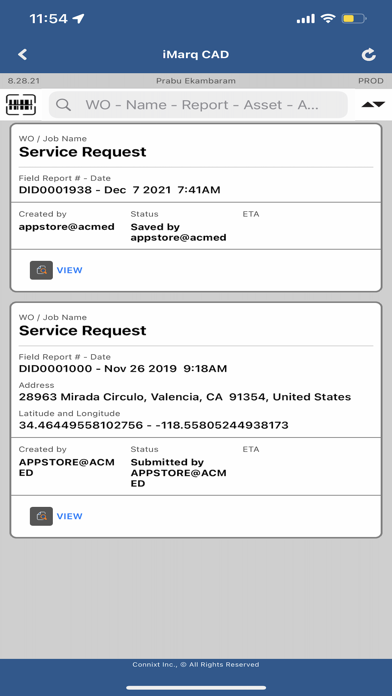
Your back-office can track field status, crew location and work history on map- and list-views. iMarq can also connect, with existing back-end systems (ERP, EAM, CMMS etc.) from the field.
Specifically, iMarq configures your inspections, forms, and processes for a range of applications.
• Work Orders and Service Orders – receive, create and update from field
• Automated field approvals and signatures
• Incident reporting
• Damage Assessment
• On-field time-sheets & material usage
• Field worker location & tracking
• Material/Parts Request
• Bar code printing in the field