TalkDat Stickers
BensonProjects.TalkDat
View detailed information for TalkDat Stickers — ratings, download counts, screenshots, pricing and developer details. See integrated SDKs and related technical data.
- No items.
Screenshots


Description
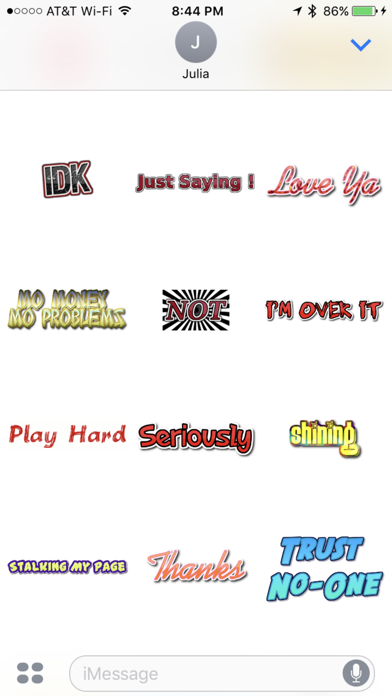
TalkDat lets you Express yourself in form of gif images and emoji's !! With catchy phrases and slogans ! Express yourself with the Hottest Slang And Lingo ! Say It With a Sticker !
Quick tips on installing and using Sticker apps:
• To access iMessage apps, tap the App Store icon alongside the compose field to see your most recently used iMessage app.
• To continue browsing, tap the icon on the lower left corner which brings up the app drawer. From there, tap the plus icon to access the App Store for iMessage, where you can browse and download more apps. Here, you can also go to Manage where you can add your apps to your app drawer.
• To use a sticker within a conversation, you simply tap to send or you can touch and hold to place them on top of bubbles, other Stickers, or even photos. It feels just like peeling and pasting a traditional sticker.
• iPhone and iPad users (running iOS 14) and Apple Watch owners (running watchOS 3) can receive stickers. On Apple Watch, you can send any of the stickers you recently sent from iPhone or iPad. You can receive stickers on earlier versions of iOS and other platforms but they’re received inline as images and don’t support being pasted on top of text, photos etc.