Talking Countdown Timer L
ypsilon.app.cdn
View detailed information for Talking Countdown Timer L — ratings, download counts, screenshots, pricing and developer details. See integrated SDKs and related technical data.
- No items.
Screenshots


Description
Easy-to-use Talking Countdown Timer.
For sport, exercise, playing a game, study, etc.. Find out your own usage!
How to use.
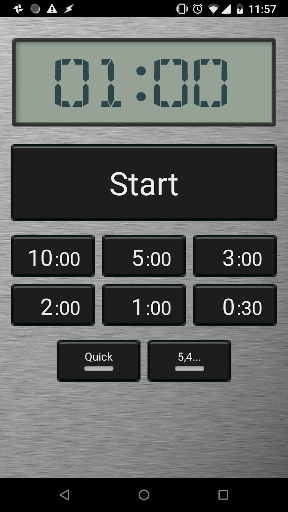
The Countdown Timer has six preset time buttons, 10, 5, 3, 2, 1 minute(s) and 30 seconds.
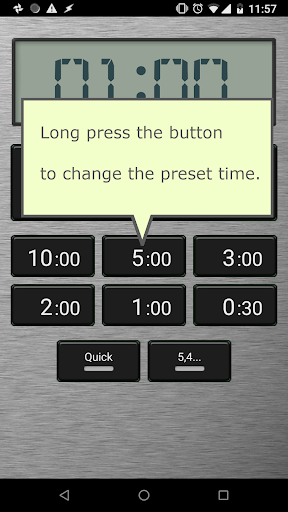
To change the pre-set time on the button, long-press it.
During the countdown, the timer announces remaining time at:
- Every 30 seconds till 1 minute.
- Every 5 seconds between 20 second and 1 minute.
- Every 1 second from 20 seconds to end.
"5,4..." button: Pre-countdown for 5 seconds.
"Quick" button: Start immediately when you push any one of the preset buttons.
Flick over "Start" button and big start button will appear. It is convenient to use by touch. Long press the big button to start and stop. Flick over the big button to restore.
The countdown announcement continues while you switch to another app. So, you can do almost anything with your Android device with countdown call.
Wish list:
- Pause the timer
- Configure talk timing