WP Users
wordpress.users
View detailed information for WP Users — ratings, download counts, screenshots, pricing and developer details. See integrated SDKs and related technical data.

Screenshots

Description
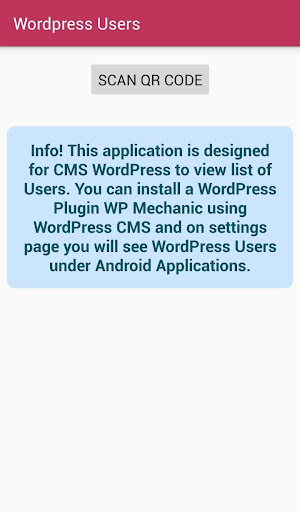
With this Android Application, you can view the list of registered users on your WordPress website by scanning a QR code within the "WP Mechanic" which is a WordPress Plugin.
WP Mechanic Download Link: https://wordpress.org/plugins/wp-mechanic
How it works:
1) Download and Install "WP Mechanic" on your WordPress based Website or WooCommerce Online Store
2) Activate "WP Mechanic" and click on "WP Mechanic / Android Applications" menu
3) Under "WordPress Users" > Android Application box will appear and you can click on configure button
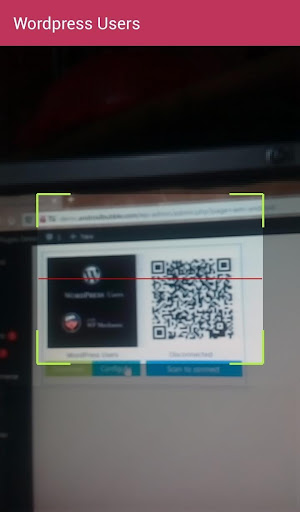
4) It will bring a QR code for you to scan through this Android Application > "WordPress Users"
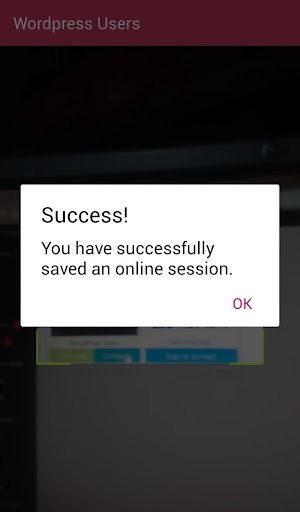
5) Once you are connected, you will be able to see the users list within Android Application
6) Later you can revoke this access from your WordPress. As it is in your control ultimately, after revoking access, nobody will be able to fetch the users list/information using this combination of WordPress Plugin and Android Application until you configure it again.
Credits:
Icons taken from "icons8.com" and used according to their license
https://icons8.com/license
Matching text managed with the font from adobe.com
https://fonts.adobe.com/fonts/mrs-eaves