Sketch Photo Maker
vn.photo.sketch
View detailed information for Sketch Photo Maker — ratings, download counts, screenshots, pricing and developer details. See integrated SDKs and related technical data.
Screenshots

Description
Professional sketching app:
Pencil Sketch Photo Editor - Sketch From Photo is a professional sketch photo maker app to make you an artist by creating real pencil sketch of your photos. You can make your photos looks like a real artistic painting easily like handmade photo sketch. This application is very easy to use and totally free on store.
Key features:
☆ Crop and resize photo
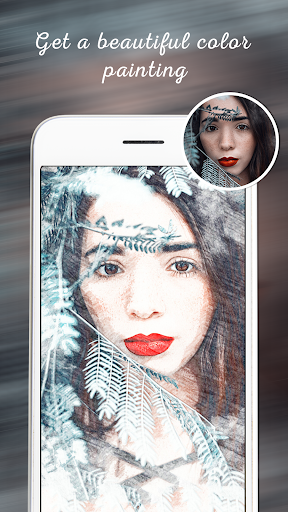
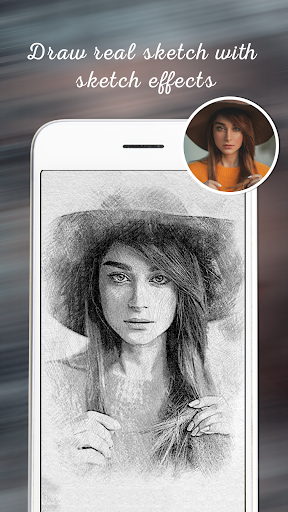
☆ Sketch of different types: selfie sketch, pencil sketch, color sketch, hard pencil sketch.
☆ Water color sketch.
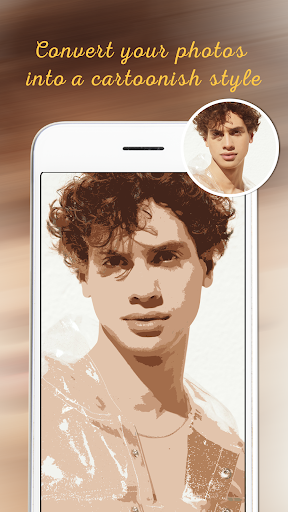
☆ Cartoon sketch.
☆ Share photos on social media easily.
☆ Save photos in mobile gallery.
☆ See collection of your sketch photos
Pencil Sketch Photo Editor - Sketch From Photo, new way to add sketch and pencil art effect and to record the moment. Let’s turn your face or your photo in the photo gallery into a beautiful selfie sketch photo. This app helps you to edit picture by adding awesome stunning sketch & drawing pencil art effects with amazing sketching filters to ordinary picture. Use this great Pencil Sketch Photo Editor - Sketch From Photo to convert your photo into art work!.
How to use Pencil Sketch Photo Editor - Sketch From Photo app:
1) Select Image from gallery or camera.
2) Crop and resize your photo as you want.
3) Leave rest of the work on the application. It will create sketch from photo for you by automatically.
4) Apply different sketch effects to make it more real drawing sketch.
Download now and enjoy this sketch app!