BarKode V5
uk.co.indigomountain.barkodev4
View detailed information for BarKode V5 — ratings, download counts, screenshots, pricing and developer details. See integrated SDKs and related technical data.

Screenshots


Description
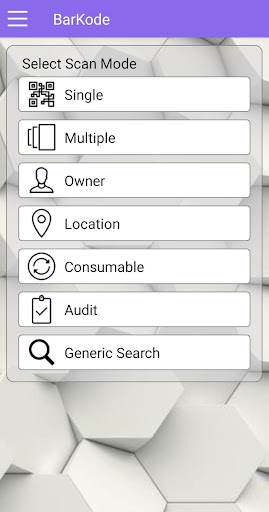
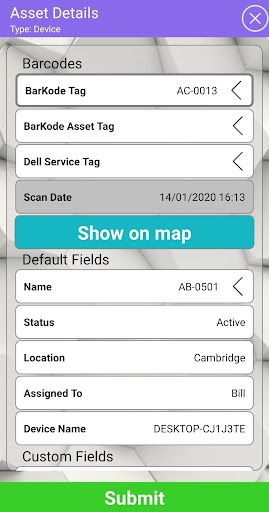
The BarKode App has been designed to allow KACE customers to scan their Assets and update any field they have created for their Asset Types.
For full functionality KACE customers are able to purchase and install a BarKode Virtual Appliance, which will host, connect and enable locally the number of licensed devices procured for use.
Once downloaded, the BarKode App on initial login screen, will have a Demo Button available, which will connect to the Demo BarKode Appliance in the Cloud.
For the purpose of testing the BarKode App we have made available some sample barcodes, which can be downloaded, printed and scanned. The sample barcodes are found here:
https://indigomountain.co.uk/scanme
These barcodes are working barcodes and will successfully retrieve Data from the Demo KACE SMA linked to the Demo BarKode Appliance.
To complete the demo you are then able to re-scan the Asset barcode to verify that the data has changed.
Also you can log onto the Demo KACE SMA at https://barKodeK1.indigomountain.co.uk/admin/
Username - barkode, Password - barkode.
This will give you read access the the demo KACE SMA and can view you assets being created / updated.