My Safe Notes - สมุดบันทึก
theerawish.free.mysafenotes
View detailed information for My Safe Notes - สมุดบันทึก — ratings, download counts, screenshots, pricing and developer details. See integrated SDKs and related technical data.
Screenshots



Description
My Safe Notes is an application that allows you to easily take notes, whether confidential information, various card codes or other password. The program can set a password for use. Including the export of text data into encrypted files as a backup safely apply to new mobile phones. No data is synced to other places. All of that information is on your mobile phone only.
*** Property ***
- Add, delete, edit notes.
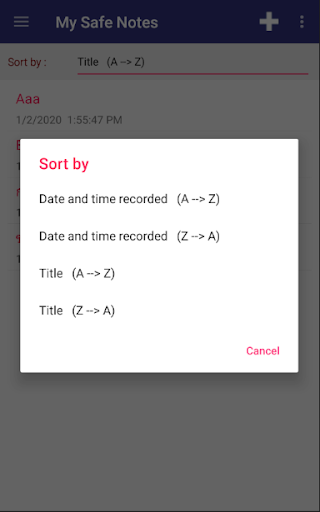
- Arrange notes as you wish.
- Export data to a text file for backup. And used to import data to your new mobile phone.
- Import data from text files that you have backed up.
- Set a password for accessing the application, change password, cancel password.
- Change the language of the application.
*** Backup ***
- Go to the export data menu.
- The system will ask you to set a password. If you have not set a password for data security.
- The system will backup the data to the folder Documents > MySafeNotes > Data.txt.
- The details in Data.txt are encrypted for security reasons.
- We recommend backing up your data as often as you can. And should be a copy of the Data.txt file to any other storage besides this mobile phone.
- Use a file manager to access the Data.txt file, such as Files by Google, by going to Internal storage > Documents > MySafeNotes > Data.txt.
*** Importing data to an old or new mobile phone ***
- Update the app to the latest version (version 1.9.1 or higher).
- Go to the Import Data menu and select the Data.txt file you have stored on your old or new phone.
- Enter your password (the same password you used when you exported the data).
*** Mobile phone access rights ***
- The system will ask for permission to access the storage to back up and import your saved data.
*** The origin of the application ***
My Safe Notes was created by the idea that the developer needed an application for safely recording important things, codes, and being able to move data to a new mobile phone. Which the programs of other developers can be done but developers are still worried about data security in other applications. In moving data to the cloud or have an internet connection which may be stored on the developer's server but My Safe Notes does not sync to other places. All of that information is on your mobile phone only.
*** Warning ***
- Do not uninstall without backing up data first. Because it will cause all the recorded data to be lost.
*** Recommend ***
- You can use the program Gboard - Google Keyboard to help save. By speaking aloud instead of typing.