Snappy Weather
tech.argonautdigital.snappyweather
View detailed information for Snappy Weather — ratings, download counts, screenshots, pricing and developer details. See integrated SDKs and related technical data.
- No items.

Screenshots
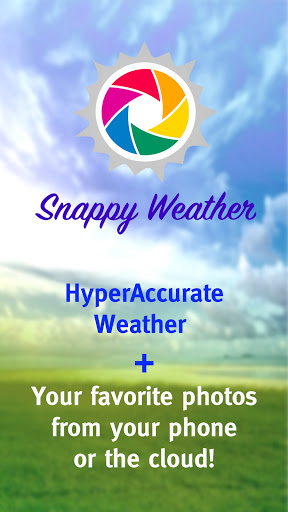


Description
Welcome to Snappy Weather!
Are the other weather apps bumming you out with hard to find information and too many ads. Snappy Weather provide a very easy to read weather forecasts for your area provided by one of the most accurate weather forecaster in the world, Accuweather.
Plus, while you are looking at the weather forecast, you can display photos from your phone gallery or select photos by theme from a database of over 2 million photos shared by photographers around the world, made available by Unsplash. You can search and select photo streams by theme whether you like landscapes, foods, puppies, kittens, drones, beach scenes, horses, wild animals, fishing… any theme that comes to mind.
Selecting photos from your phone gallery
- Use Setting -> Select Photos -> Open Gallery to select Pics, Photos, Photographs from your phone gallery.
- Select the photos from your phone that you would like to display and the app will display the photos along with accurate and easy to read weather information
- Show photos from your family vacation, pictures of loved ones, cool photos you have recently taken etc.
Selecting photos from the databased of photos
- Use Setting -> Select Photos -> Enter theme for you App background. Type in the box any theme that you would like to see. landscapes, foods, puppies, kittens, drones, beach scenes, horses, wild animals, fishing, racing, cars, plants, flowers etc
- Press apply theme and the app will automatically display the photos by theme along with accurate and easy to read weather information.
Selecting your location:
- Allow the app to use your location and the app will automatically provide weather forecasts based on your location
- Search by city or zip code to manually select your location
Sharing
- If you want to share the photos whether from your phone or from the cloud database, press the share icon on app and you can email, text, message the photo to your friends and family.