My Video Player
star.videoplayer.videoaudioplayer
View detailed information for My Video Player — ratings, download counts, screenshots, pricing and developer details. See integrated SDKs and related technical data.

Screenshots
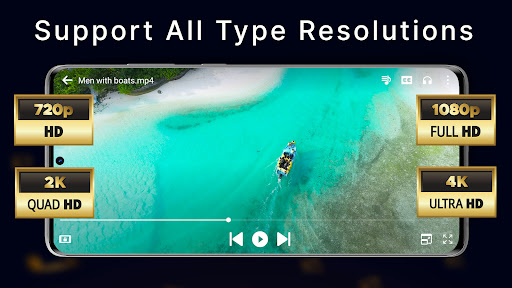

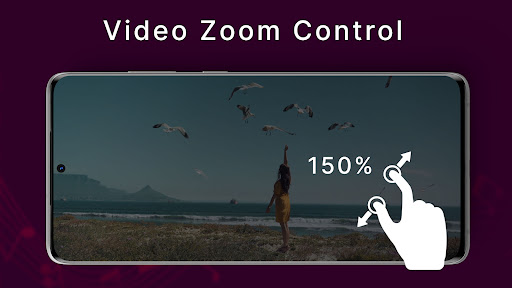

Description
Experience the best way to enjoy your videos with our Video Player HD, a powerful and feature-rich app designed for a seamless viewing experience on your Android device. With a range of advanced functionalities and a user-friendly interface, our Video Player is the perfect app for all your video playback needs.
**Key Features:**
- **Play as Audio:** Enjoy your videos in audio-only mode for background listening.
- **Night Mode:** Reduce eye strain with our easy-on-the-eyes night mode.
- **Mirror Mode:** Flip your videos horizontally for a mirrored view.
- **Equalizer:** Customize your audio experience with our built-in equalizer.
- **Timer:** Set a timer to automatically stop video playback.
- **Share:** Easily share your favorite videos with friends and family.
- **Lock:** Prevent accidental touches with the screen lock feature.
- **Subtitle:** Support for multiple subtitle formats to enhance your viewing experience.
- **Floating Window (Picture in Picture):** Continue watching videos in a floating window while using other apps.
**Additional Features:**
- **Search Video:** Easily find your favorite videos with our efficient search functionality.
- **Auto Play Next:** Automatically play the next video in your playlist for uninterrupted viewing.
- **Pinch to Zoom:** Zoom in and out on videos with a simple pinch gesture.
- **Slide to Manage Sound:** Adjust the volume by sliding your finger up or down on the screen.
- **Slide to Adjust Brightness:** Control the brightness of your screen by sliding your finger up or down.
Enjoy a superior video playback experience with our versatile and easy-to-use Video Player.