Output Messenger
srimax.outputmessenger
View detailed information for Output Messenger — ratings, download counts, screenshots, pricing and developer details. See integrated SDKs and related technical data.

Screenshots
Description
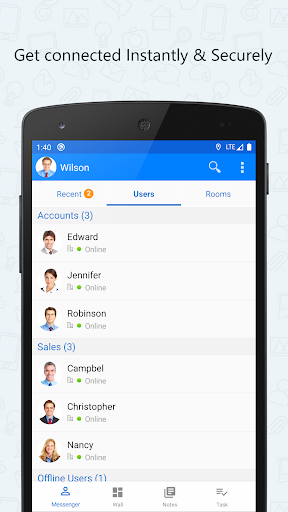
Output Messenger is designed to use as a private secure messenger for your Office. This intranet messenger improves internal communications, business productivity and relationships with colleagues inside Office.
IMPORTANT:
This app requires a Server application to be installed and running in your server.
The Public IP Address or Domain name of the server running host should be provided in this app to connect with server.
For more details on purchasing & installing Output Messenger:
http://www.outputmessenger.com/
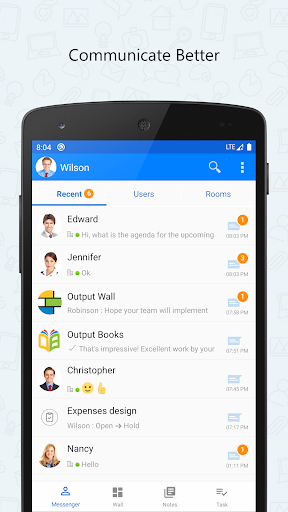
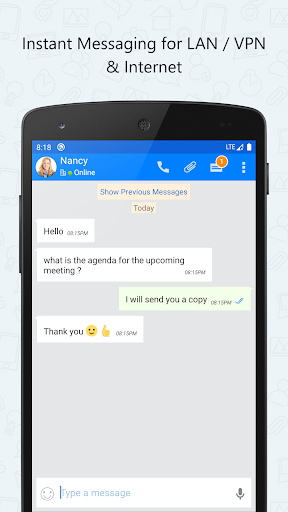
This Android Mobile app extends the power of Output LAN Messenger to your Smartphone & Tablet bringing Instant Messaging, Group Chat, File Transfer and several other features. Software features are tailor made to improve collaboration between teams to work together efficiently within office campus's and remote sites. The On-premises server and high level encryption technology ensures privacy and confidentiality for internal communication in the small, medium and corporate environments, hospitals with HIPAA regulations, and in the government and banking sectors.
Android App & Desktop Features:
• One to One Private Text Chat
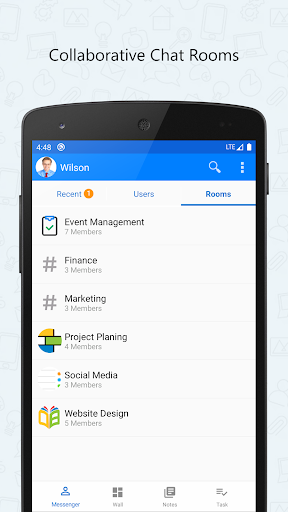
• Group Chat, Chat Room, Chat Group
• Send Files
• Send Voice Message
• Take Photo, Video and Send
• Scribble Pad
• Send Buzz
• OTR – Off the Record Messaging
• Read Notification
• Online Status
Additional Features for Desktop:
• Desktop Sharing Screen Sharing
• Voice & Video Calls & Conferencing
• Remote Desktop Screen Sharing
• Announcements, Internal Mailing, Sticky Notes, Remainders
Why this LAN Messenger?
• Easy to Use
• Quick Installation by anyone within 1 minute • Works in LAN, WAN, Wifi, VPN, Multiple Sub Networks, Terminal Service and Internet • Works in Windows, Mac, Linux, Browser, Free App for iOS and Android Phones & Tablets • Customizable Chat Server & Client Settings