Remote For Smart Sony TV
sony.remote.control.cast
View detailed information for Remote For Smart Sony TV — ratings, download counts, screenshots, pricing and developer details. See integrated SDKs and related technical data.

Screenshots
Description
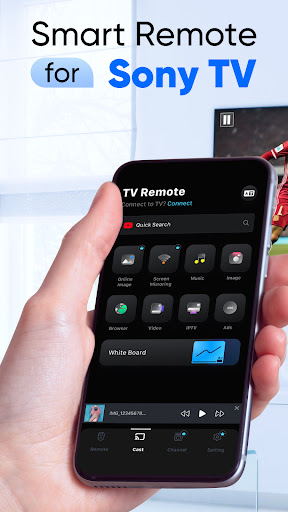
Transform your smartphone into a powerful TV remote control for your Sony TV with our intuitive and feature-packed app - TV Remote For Smart Sony TV. Say goodbye to the hassle of searching for your TV remote; now, you can effortlessly navigate through your Sony TV's functions with just a few taps on your mobile device.
TV Remote For Smart Sony TV is a cutting-edge application designed to enhance your Sony Bravia TV, Sony Android TV and Sony Google TV viewing experience. Whether you're binge-watching your favorite shows, enjoying a movie night, or simply adjusting settings, this app provides a seamless and convenient way to control your Sony Bravia TV, Sony Android TV and Sony Google TV from the palm of your hand.
Take your screen mirroring experience to the next level. Wirelessly mirror your smartphone or tablet screen on your Sony Bravia TV, Sony Android TV and Sony Google TV for presentations, gaming, or simply showcasing content on a larger display. Immerse yourself in a world of possibilities with this versatile feature.
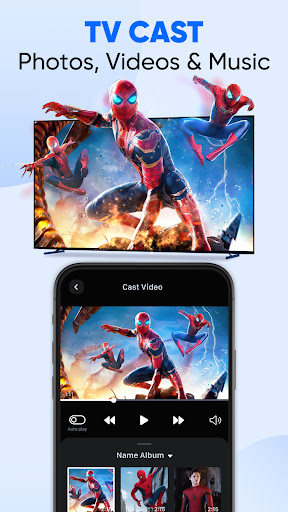
Enjoy a personalized entertainment experience by casting your favorite videos and photos directly to your Sony TV. Share precious memories with friends and family or indulge in a cinematic experience from the comfort of your couch.
How to connect
Connecting your Android device to your Sony TV is quick and easy. Follow these simple steps:
- Ensure your smartphone or tablet and Smart Sony TV are connected to the same Wi-Fi network.
- Open TV Remote For Smart Sony TV app and select your Sony TV from the list of available devices.
- Enter PIN (appear on your Sony TV)
- Once connected, start enjoying the convenience of remote Sony TV control, casting, and screen mirroring.
Main Features
- Smart Remote for Sony TV with Full Functionality
- Mirror Photos. Videos in 4K Ultra HD via Screen Mirroring
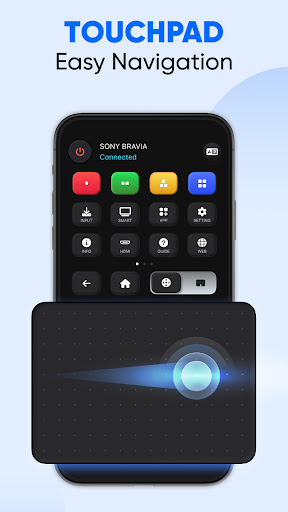
- Spacious Touchpad for Easy Navigation
- Convenient Keyboard Typing Feature
- Swiftly Launch Applications on Your Smart Sony TV
- Effortlessly Share Your Preferred Images, Slideshows, Presentations, and More
- Discover All Your Favorites in a Single, Unified Hub
- Indulge in Unlimited Entertainment through Popular Apps like Netflix, Hulu, and YouTube
Disclaimer:
TV Remote For Smart Sony TV app is not affiliated with Sony Corporation or any other trademark mentioned here.