Word to PDF Converter
smartvq84.word.to.pdf
View detailed information for Word to PDF Converter — ratings, download counts, screenshots, pricing and developer details. See integrated SDKs and related technical data.
Screenshots

Description
Why convert a Word document to PDF?
Converting a Microsoft Word document (.doc or .docx) to a PDF file is a growing necessity as more and more people share documents on the web.
There are many advantages to using a PDF instead of a Word file. PDFs are usually smaller than Word documents, and unlike Word files, PDFs will look the same no matter the operating system and software version. In addition, PDF is a required file format in many industries.
That means sooner or later you’re going to need to convert from a Microsoft Word document to a PDF file.
Word to PDF ? How To Convert Word to PDF?
So how can you convert a PDF document that was created in Microsoft Word to a PDF file?
Use our app : Word to PDF converter to quickly transform any Word .doc or .docx file into a readable, editable PDF document in seconds!
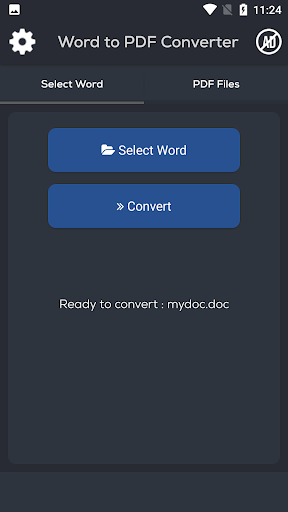
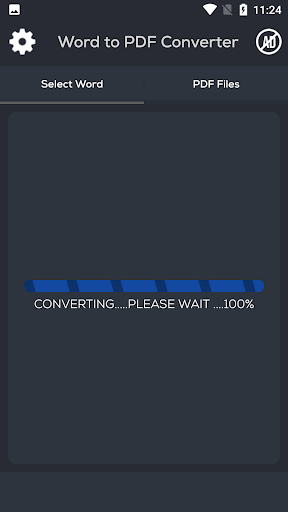
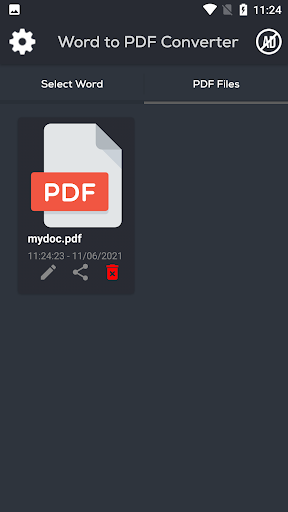
Here’s a quick tutorial on how to convert from Word to PDF using our app:
- Just select your file by clicking the Select your .doc or .docx file. Click "Convert" and wait until the conversion from Word to PDF is complete, and then save the file.