스마트로 V-CAT
service.vcat.smartro.com.vcat
View detailed information for 스마트로 V-CAT — ratings, download counts, screenshots, pricing and developer details. See integrated SDKs and related technical data.
Screenshots

Description
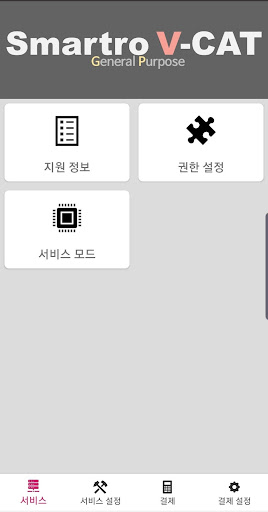
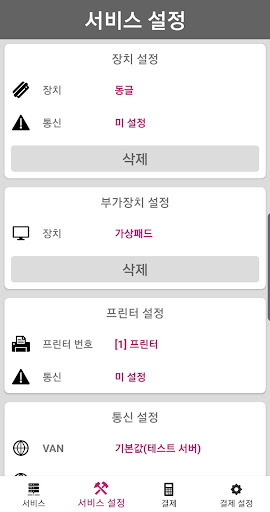
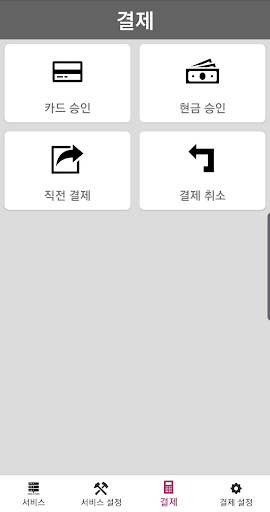
V-CAT provides payment services using all wired/wireless dongles and payment terminals provided by Smartro. Now use credit card and cash receipt payment services easily and conveniently.
Are you writing an Android-based POS program?
V-CAT is a solution that has received credit card terminal security certification and provides a service that allows you to install smart payment functions into your POS program with a simple linking process.
* Android OS version 5.0 (supports Lollipop and above)
【Essential access rights】
ㆍBluetooth: Required when using a Bluetooth reader.
ㆍLocation permission: Required when using a Bluetooth reader.
ㆍUSB: Required when using a USB reader.
ㆍCamera: Required for QR/barcode reading, such as simple payment.
ㆍNFC: Required for NFC payments.
ㆍDraw over other apps: Required when signing payment and entering password.
※ The above permissions are essential permissions used for Mobile Smart service, and if the permissions are denied, it will be difficult to operate the app normally. You can change it in the [Smartphone Settings> Applications> Smart M150> Permissions] menu.
※ If you are using a smartphone with Android OS version 6.0 or lower, all required access rights may be applied without optional access rights. In this case, you must check whether your smartphone's operating system can be upgraded to Android 6.0 or higher, upgrade, and then delete and reinstall the already installed apps to set access rights properly.
Customer Center: 1666-9114 (Operating from 9:00 to 19:00 on weekdays / 09:00 to 12:00 on weekends)
Website: http://www.smartro.co.kr/