esmaker
se.entergate.esmaker
View detailed information for esmaker — ratings, download counts, screenshots, pricing and developer details. See integrated SDKs and related technical data.
- No items.

Screenshots


Description
Access to the app requires an account in esMaker (https://esmaker.net/nx2) which is obtained by your organization. Terms of esMaker (web) also applies to the use of the app.
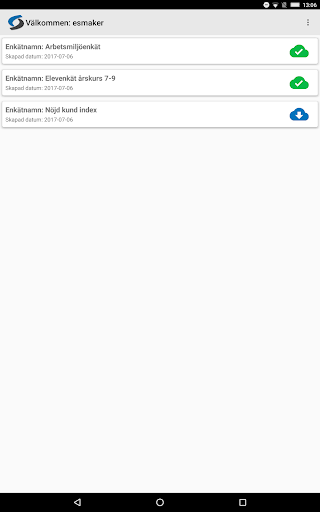
The app is used for data collection for surveys created in esMaker. The app supports only certain types of questions (one choice, multiple choice, drop down, HPS and text) and object (image and text) and only surveys with authorized content can be downloaded and used. Each question type only supports a range of settings available for the Web. Alternating fields supported (though not called more alternating fields).
You can use the existing publications, downloaded, or create new ones directly in the app.
Administrator activate the answer mode by entering a PIN code, which is then required to cancel the answer mode and return to the administration. If you as an administrator would forget the selected PIN code, close the app and log in with the regular account information again.
In answer mode starts the survey after every completed response. If a response is not completed (idle for 5 minutes), the answer will be deleted and the questionnaire to restart.
You can at any time you wish to upload the answers to esMaker (web) and these will then be stored in the pre-publication. Answers that are uploaded will be removed from the unit. Answers that for some reason can not be uploaded will remain on the device. Value for the number of responses, which appear in a few different places within the app, equivalent to only the answers that are available locally on the device.
If a poll downloaded the app change esMaker (web), it may not be possible to upload the answers to this, depending on what changed. Information about this will be seen in the app when trying to upload.
Generally, one can say that the view of collecting answers always run without requiring internet connection, while the other views (Administration) requires internet connection.