Screen Recorder: Capture Video
screen.recorder.capture.video.record
View detailed information for Screen Recorder: Capture Video — ratings, download counts, screenshots, pricing and developer details. See integrated SDKs and related technical data.

Screenshots

Description
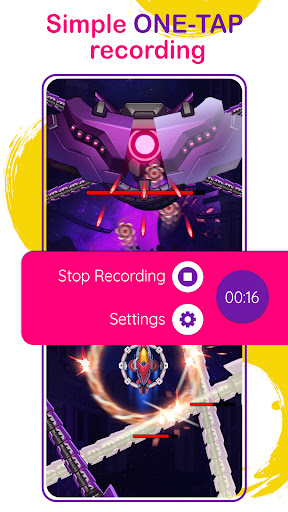
Screen Recorder: Capture Video is the simple and easy way to make a screen recording on your phone. Simply tap the floating ball and you can start screen capturing in high quality.
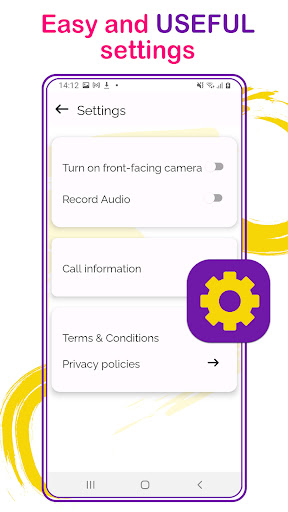
The easy and simple settings menu allows the screen recorder to record audio so that you can record a commentary for your video. From the settings menu, you can also turn on the front-facing camera / facecam.
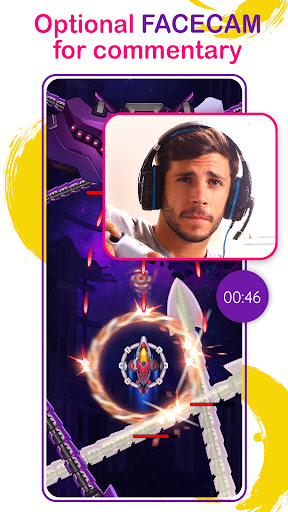
The facecam allows you to video yourself while you are making your screen recording. You can move the facecam window around the screen so that it does not block anything important in your screen capture. Ideal for video tutorials, recording gameplay reactions, and even vlogging.
All your screen recordings are clearly presented on the home screen of this screen recording app. The screen captures can be renamed and quickly shared with friends.
There is no recording time limit, so it’s great for longer screen recordings for gaming, tutorials, or sports gameplay.
⭐Features⭐
✔️ High-quality free screen video recorder - simple and easy to use.
✔️ Optional audio recording which can easily be turned on and off.
✔️ Optional facecam with movable window - ideal for vlogging and recording games.
✔️ Name and rename your screen videos at any time.
✔️ Easily share your screen recordings with friends.
✔️ No time limit on your screen videos - perfect for recording gameplay.
✔️ Incredibly simple interface - not as complicated as other available screen recorders.
✔️ Call information screen with quick access to make screen recordings after phone calls.