LED clock widget
pro.evseev.ledclockwidget
View detailed information for LED clock widget — ratings, download counts, screenshots, pricing and developer details. See integrated SDKs and related technical data.
- No items.
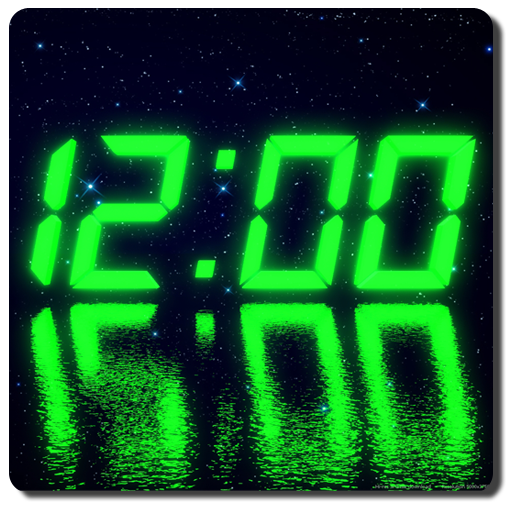
Screenshots


Description
LED/LCD digital clock widget
Only one item of this type in your widget list, default size is 4x2, resize is supported
High-res tablets screens support
Choose any color you want, move/scale elements inside widget like you want
Skew digits for more stylish look
Different digital style fonts
Time/date/day of week display
Battery status display
12H/24H time formats
Seconds/flashing dots display (this mode requires frequent widget update, which can lead to increased battery consumption)
Glow/glass/gradient/shadow/reflection effects
Built-in presets, custom presets can be saved for instant setup. Google Drive import/export of custom presets. TO EXPORT CURRENT SETTINGS TO GOOGLE DRIVE JUST SAVE IT AS A PRESET.
IF WIDGET CLOCK IS STOPPED FOR SOME REASON (REPORTED ON SOME DEVICES) JUST ENTER SETTINGS MODE BY CLICKING ON WIDGET THEN SETTINGS BUTTON, THEN PRESS OK OR CANCEL BUTTON.
NOTE TO ANDROID 4.0.x (ICS) USERS:
If you have Android 4.0.x and widget does not appears in list try to reboot your device or just restart launcher.
It's an Android 4.0.x issue.