BPS Mobilnie
pl.bps.bankowoscmobilna
View detailed information for BPS Mobilnie — ratings, download counts, screenshots, pricing and developer details. See integrated SDKs and related technical data.

Screenshots

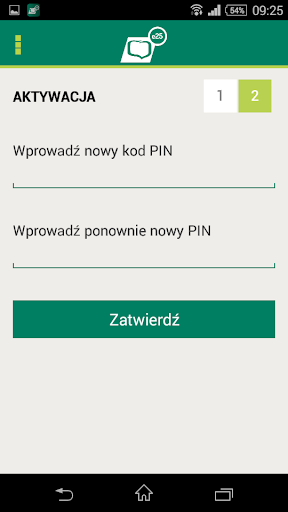


Description
1. What is mobile banking e25?
The "e25 mobile banking" is a comfortable, modern, yet secure way to manage your banking products from your smartphone or tablet.
2. Main functionality
The menu items correspond to the following functionalities:
1. Section My finances
• Product List - shows all available for a given context bills, deposits, loans and credit cards.
• Banking - this item allows you to quickly move to the list with most possible to perform the operation.
• History - after selecting this option, you can see the history of transactions on the accounts and credit cards.
• Operations wrongly not - here you can find operations pending completion operations for various reasons refused, and - standing orders.
• Operations for approval - shows the operation saved, but not approved and sent to the realization here can confirm the transfer, if you are a guardian of a minor, or control the expenses of your company.
• Your audience - redirects to the list of recipients - are both on the recipient's online banking and mobile.
2. Section Settings
• Customer Profile - when you go to this screen, you can change some of its data.
• Change PIN - allows you to change your current PIN.
3. Information section
• offices and ATMs - launches search engine outlets and ATMs along with the map.
• Contact - displays the contact details of the Bank BPS, this screen can also call up the connection with the Bank (for devices with SIM card).
• Exiting the application - closes the application, this option is only available for the Android applications.
The menu is also available for default user (pre-PIN). In this case, you can change to a search engine outlets and ATMs, the parties of the contact data of Bank BPS and of course to the login screen.
3. Security
E25 mobile banking application has been secured on several ways, among them:
• encrypted connection with the Bank,
• 4-digit PIN used to every time you log on to the application.