Pixel Digital Clock Live Wp
pixeldigitalclock.livewallpaper
View detailed information for Pixel Digital Clock Live Wp — ratings, download counts, screenshots, pricing and developer details. See integrated SDKs and related technical data.
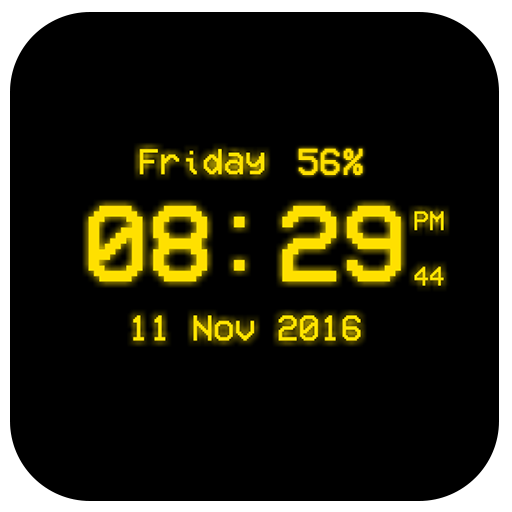
Screenshots


Description
Pixel Digital Clock Live Wallpaper
Pixel Digital Clock Live Wallpaper that displays current time, date and day of the week. All date and time formats are supported.
Names of month and day of week is displaying on screen.
So many color are available in clock live wallpaper and clock size own selected with settings.
Features:-
*Change Font Size of Clock.
*Neon Clock Live Wallpaper in one more option is glow as per your choice.
*Time format (12Hr & 24Hr).
*Selected color set on your Pixel Digital Clock Live Wallpaper.
*Displays Current Day Date(Optional/ Settable by user)
*Change format of Date Display
*Multiple Color Settings for Pixel Digital Clock(Using Color Picker)
*Glow Effect(Enable/Disable) for the Clock
*Clock Style Or Font Selection
*Neon Effect Selection(Enable/Disable) for the Clock
*Clock Background Selection
Hints:-
* To change date or time format press: "Home - Menu - Settings - Date and Time format".
Use:-
Press button "Settings..." to configure the wallpaper. Press button "Set wallpaper" to set it and start to use. You may configure wallpaper again.