Photo Markup - Draw on Photos
photo.marker
View detailed information for Photo Markup - Draw on Photos — ratings, download counts, screenshots, pricing and developer details. See integrated SDKs and related technical data.
Screenshots


Description
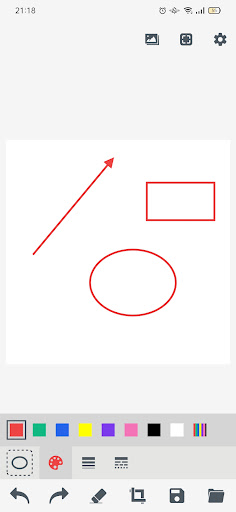
With Photo Markup you can take screenshot and edit by add text, arrow, shapes, lines, curves, circle, free hand drawing & text on photos, images, drawings
Image Annotation is a basic paint app which allows you to draw anything on your photo using tools.
► Key Features:
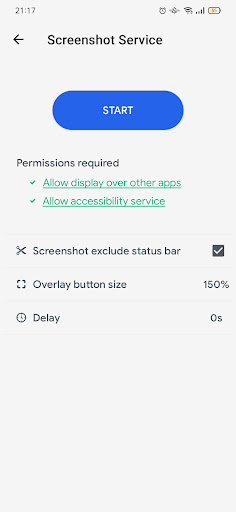
★ Take screenshot:
- Floating button: An simple button that is displayed on top of everything, just one-click to take a screenshot
★ Photo Markup Image annotation:
- Draw on top of photos and pictures
- Edit photos and pictures
- Draw on blank canvas
- Crop and rotate image
- Highlight image: Markup the area on photo
- Add text on photo
- Annotate picture with: Arrow, Rect, Circle, Text
- Import multiple images from gallery or take a picture from camera
- Save your edited photo to device
- Share photo with your friends
This is the best photo annotation, a must have photo editing tool with painting feature to draw on your photo.