Renungan e-SH/Santapan Harian
org.sabda.santapan.harian
View detailed information for Renungan e-SH/Santapan Harian — ratings, download counts, screenshots, pricing and developer details. See integrated SDKs and related technical data.
- No items.

Screenshots


Description
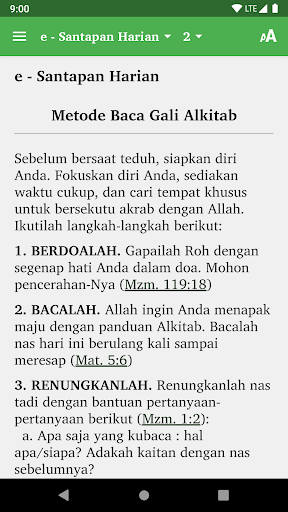
Good news for Bible readers and lovers! Now, you can read the Daily Dining reflections published by Scripture Union Indonesia (SUI) every day through the e-SH application. This application provides 6,000+ materials during shade e-SH which have been compiled based on the books of the Bible (Genesis - Revelation). The special feature of e-SH's devotions is its loyalty to expositional Bible texts, so that users can learn God's word more deeply. Devotional e-SH was created and published by Scripture Union Indonesia (SUI) and distributed electronically by the SABDA Foundation (YLSA).
FEATURES
* 365 materials at shade that can be read according to the date of the day.
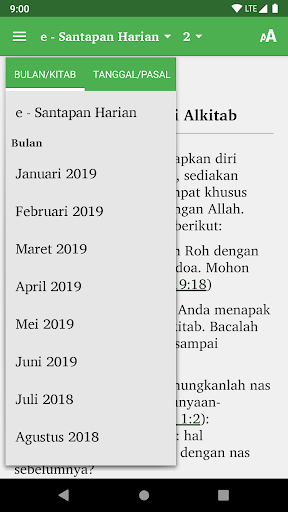
* 6000+ shade materials that can be read based on the books of the Bible (Genesis - Revelation).
* Setting the screen color for reading is more comfortable.
* Long Press: Press text and hold (2-3 seconds) to be able to access features:
- (Icon) Select all: selects all text on the active page.
- Copy: copy the selected text to the clipboard (to be pasted elsewhere).
- Share: share selected text to social media and installed applications.
- Discover: search for selected text on the active page (the page being read).
- Web Search: search for selected text using web search (internet).
* Double tap for full screen
* Gestur two fingers widen or narrow to change the font size.