QDmi
org.qtproject.example.QDmi
View detailed information for QDmi — ratings, download counts, screenshots, pricing and developer details. See integrated SDKs and related technical data.
- No items.

Screenshots


Description
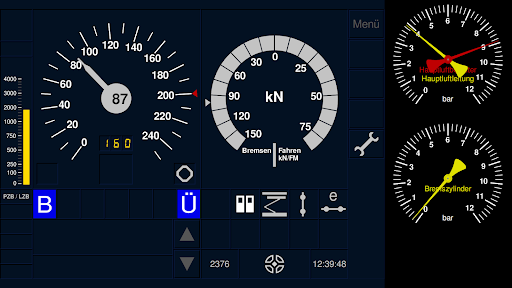
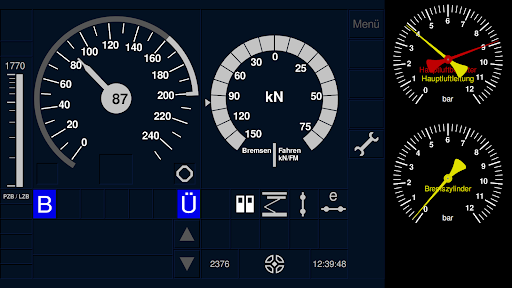
QDmi is a generic display application for the Zusi 3 railway simulator.
The following functions are available:
- Speed
- PZB, LZB and GNT
- Train data entry
- Sifa
- pulling force
- Speed step display
- Door release
- pantograph
- main switch
- brake pressure
- Position on the route
QDmi automatically selects a suitable speedometer scale (140km / h, 180km / h, 250km / h or 400km / h)
The tensile force scale is selected automatically based on the series designation. So occasionally there will be updates when new vehicles are added.
PZB / LZB text messages can be used manually or automatically.
As a gimmick, you have the option of displaying the LZB reference variables in the ERA-ERTMS style, which are actually intended for ETCS.
In the menu (wrench → network symbol), you can enter the IP address of the Zusi computer. The connection is established when you tap the address entered.
The Zusi computer must be in the same network as the smartphone or tablet! The IP address can be found in Zusi 3 under Configuration → Network.
Outlook:
In addition to small additions, ETCS is planned in the long term.