Kuran ı Kerim - Pratik Meal
org.pratik.meal
View detailed information for Kuran ı Kerim - Pratik Meal — ratings, download counts, screenshots, pricing and developer details. See integrated SDKs and related technical data.
- No items.

Screenshots
Description
* Free of charge, * No ads, * You don't need to download Meal.
* Secure, no files, features and personal information on your phone does not access.
I http://www.pratikmeal.co
* Practice Meal with more than one can read at the same time ...
While reading Meal, you can see the same Verse in the other Meal by selecting a Verse and swiping the screen left / right.
So you can read the Meal easily.
* With versatile search, you can easily find the verses you have difficulty remembering ...
Type the words you remember in the Verse, by inserting a comma or a dot,
Usage Help:
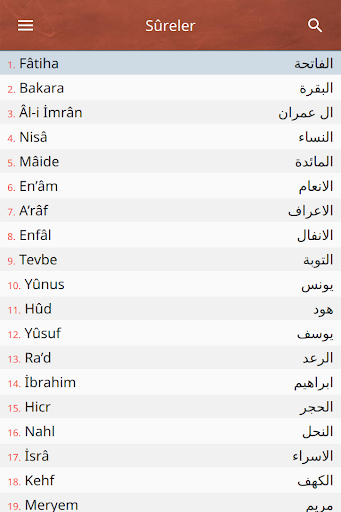
Surahs:
- Click on Sûre to see the verses.
- The list can be scrolled up and down.
- If you click on the list, the search names can be accessed quickly.
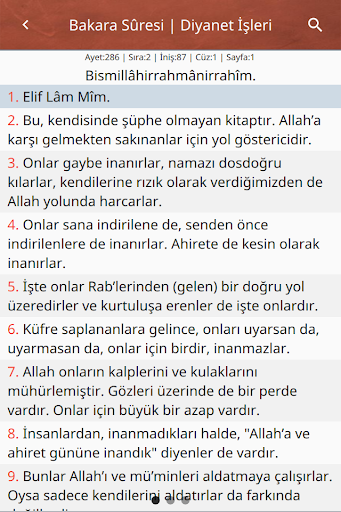
Verses:
- Click to select the verse.
- Move the selected verse left / right to change the word.
- In any Verse search by clicking on the active call Meal can be done in detail.
- Press and hold on the selection to add to the notes, Mark or Remain place.
Search:
- Multiple words can be searched by using commas or dots.
- Words can be searched as written using the space character.
- With the back key, you can return to the search screen.
- The call is made to the open Meal when the call is clicked.
- All Surahs or active Sultans can be searched.
Notes:
- By clicking on the selected note, the related Statement can be accessed.
- With the back key, you can return to the notes screen.
- Hold down your finger to erase the note.
Menu / Settings:
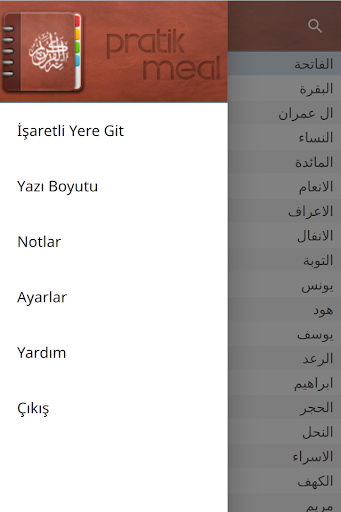
- Font size can be adjusted.
- Click Go to Marked Location to access the marked Voucher.
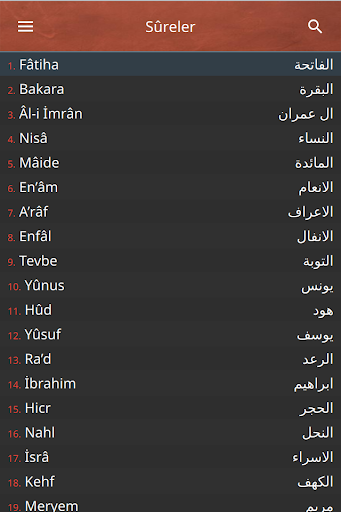
- If Night Mode is activated, a dark view is displayed.
- Meals can be made active or passive.
- The operating speed of the program varies according to the number of active Meal.