Unex Bank
online.kapowai.unexbank
View detailed information for Unex Bank — ratings, download counts, screenshots, pricing and developer details. See integrated SDKs and related technical data.

Screenshots

Description
Unex Bank #simplycomfy
• Payment of utilities, top up of mobile and Internet - no commission
• Currency exchange at a favorable rate - no commission
• Earn income from balance UnexSmart card
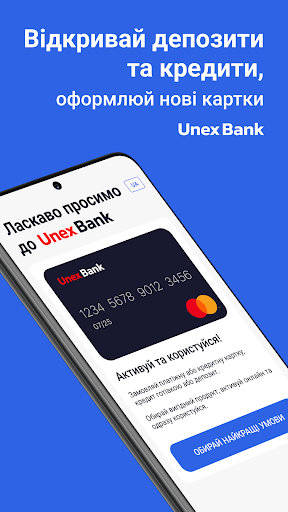
• Easy open profitable deposits
We've completely updated the app to make it really #simplycomfy to manage your finances:
Home - all the most important services are collected here: quick access to popular payments, exchange rates, all your products, recent operations, quick search for branches and ATMs, as well as news. You can customize the section yourself: leave the most important or change order of widgets.
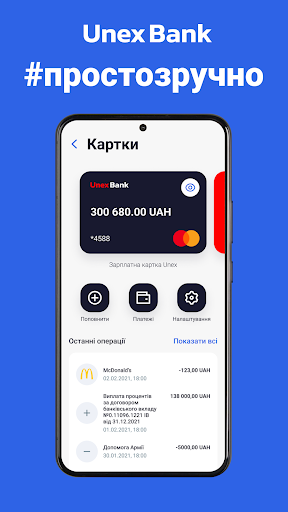
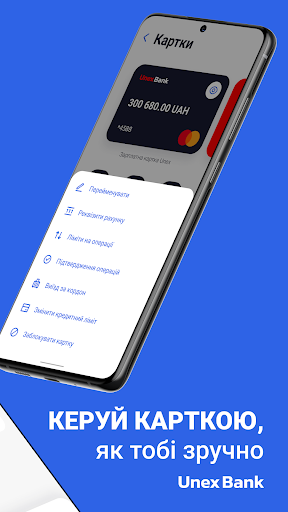
See your cards - you can easily share your card number to receive a transfer, view full details to add a card to your e-wallet or pay with it online. Manage your cards simply in the settings, control expenses and receipts in a convenient format with updated statements.
Payments - in this section you can make a transfer by card number or details, buy or sell currency, set up automatic payments. Pay utilities, top up mobile or internet, etc. without commission.
Notifications - all messages from the bank are stored here: notifications about transactions, news and offers of new products.
Support - from this section you will be able to conveniently contact the Care Center. Choose what is more convenient for you: a free phone call or a chat on Viber, Telegram or Facebook.
Other - in this section you can check the application settings, adjust your profile and see details about the application.