NL Customs VAT
nl.belastingdienst.mvt.reiziger.pub
View detailed information for NL Customs VAT — ratings, download counts, screenshots, pricing and developer details. See integrated SDKs and related technical data.
Total installs
5.2K(5,292)
Rating
0.0
Released
November 12, 2021
Last updated
August 21, 2025
Category
Travel & Local
Developer
Belastingdienst
Developer details
Name
Belastingdienst
E-mail
store.beheer@belastingdienst.nl
Website
unknown
Country
unknown
Address
unknown
Screenshots

Description
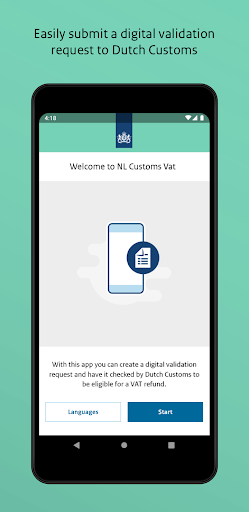
Use this app to request a digital export validation from Dutch Customs.
Attention!
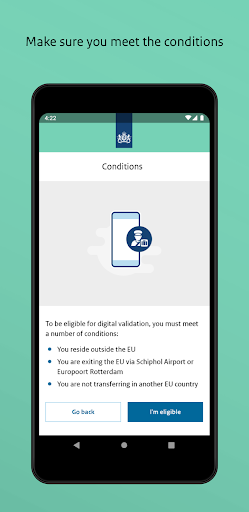
The electronic validation proces is in a pilot phase. You can only use this app if you depart from Amsterdam Airport Schiphol, Rotterdam P&O and Rotterdam Stena Line. Not all shops and intermediaries participate in this pilot. Transactions from shops and VAT Refund Operator that do not participate are not included in the app. You can present these transactions on paper at the Customs office.
Do you live outside the EU and do you take goods back home in your travel luggage from the Netherlands? Then you can reclaim the VAT on goods that you have purchased from companies in the Netherlands. To reclaim the VAT, you need an export validation by Dutch Customs, which you can request with this app.
How does this app work?
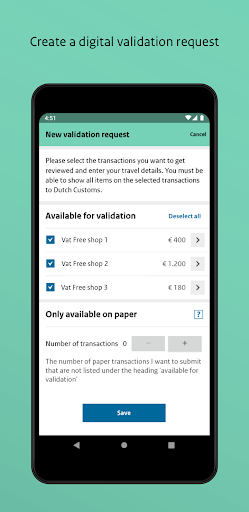
To use the app, you need to scan your passport. After scanning, the transactions which you have made in the Netherlands at shops that participate in this pilot and on which you can reclaim VAT are shown. You start a validation request, select the transactions and enter your details about your journey outside the EU.
When you have arrived at the airport or port, this app will direct you to a specific location. There you can submit the validation request via the app. Dutch Customs will then check your validation request. There are 2 follow-up options. Either you will immediately receive an export validation, or you will be asked to have your purchases checked manually at the Customs office.
Do you have transactions that the app is not showing? Then you can present the paper version at theCustoms office.