Office Reader - PDF,Word,Excel
net.sjava.officereader
View detailed information for Office Reader - PDF,Word,Excel — ratings, download counts, screenshots, pricing and developer details. See integrated SDKs and related technical data.

Screenshots


Description
Office Reader – All-in-One Document Viewer
Read, view, and manage all your documents in one free app. Open Word, Excel, PowerPoint, PDF, eBooks, and more—anytime, anywhere, even offline.
✨ Key Features
• All Document Formats Supported
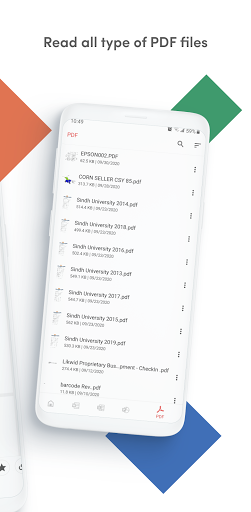
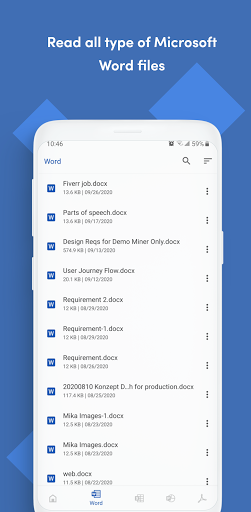
Open DOC, DOCX, XLS, XLSX, PPT, PPTX, PDF, RTF, TXT, CSV, HTML, MD, EPUB, MOBI, AZW, EML, MSG, IPYNB, PGN, MML, and source codes (Java, Python, C++, etc.).
• Password-Protected Files
Securely view locked DOCX, XLS/XLSX, PPT/PPTX, and PDF files.
• File Conversion
Convert Word, Excel, PowerPoint, PDF, RTF, HTML, Markdown, Emails, and even source codes into PDF or text.
• Productivity Tools
📷 Doc Scan – scan documents into PDF.
📂 Folder Navigation – easily manage files.
⏱️ Quick Access – long press app icon to see recent files.
🚀 Why Choose Office Reader?
• Fast & lightweight
• 100% free, no hidden cost
• Works offline – perfect for travel or study
• Clean & simple design for easy navigation
Whether it’s business documents, study notes, eBooks, or source codes, Office Reader makes file viewing simple, fast, and secure.