Jr Scratch Book
naveen.JrScratchBook
View detailed information for Jr Scratch Book — ratings, download counts, screenshots, pricing and developer details. See integrated SDKs and related technical data.
- No items.
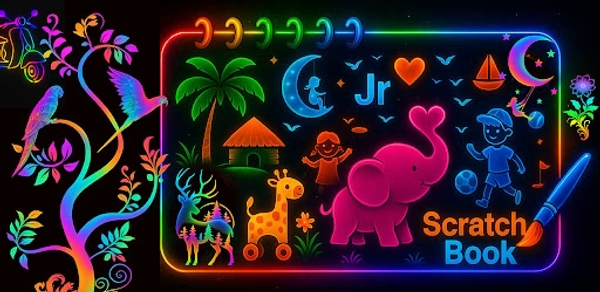
Screenshots
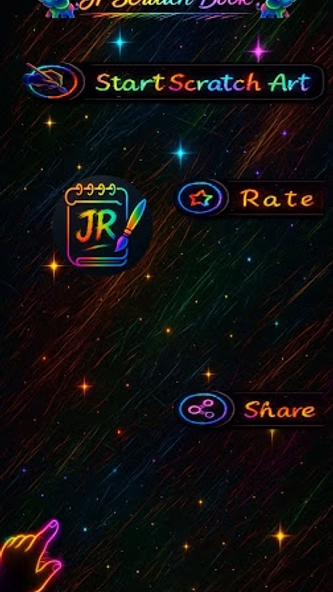
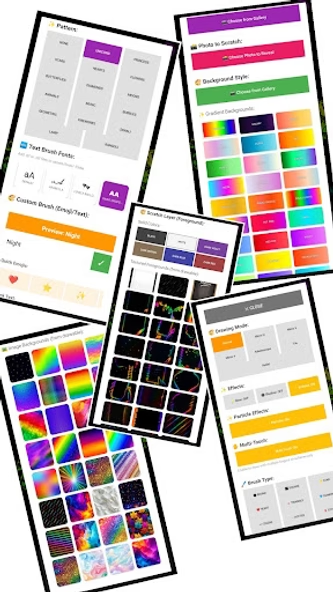
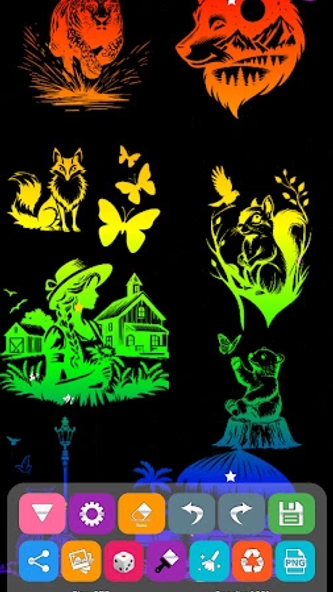
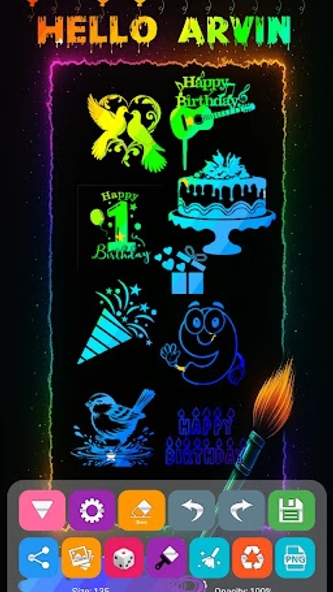
Description
Jr Scratch Book is a creative drawing app that lets users make scratch art, doodles, glow paintings, and colorful illustrations with simple touch gestures. Choose from scratch sheets, neon brushes, gradient colors, patterns, stickers, and decorative elements to create unique artwork easily.
Designed for kids, beginners, and creative users, the app includes a variety of brushes, effects, drawing modes, and customization options for smooth sketching and fun visual creativity.
Key Features
1. Scratch Art Mode
• Reveal colors and patterns by scratching the canvas
• Neon, rainbow, gradient, and textured scratch sheets
• Smooth strokes with glow, dotted, and particle styles
• Convert your own photos into scratch-style art
2. Glow & Neon Drawing Tools
• Glow, neon, and sparkle brushes
• Gradient and multi-color stroke options
• Bright and vivid lighting effects
3. Brush Collection
• Solid, soft, dotted, and calligraphy brushes
• Shape brushes (heart, star, diamond, etc.)
• Adjustable size, opacity, and colors
4. Canvas & Layout Options
• Sketchbook and notebook-style canvases
• Glow edges, frames, and decorative borders
• Pattern sheets and themed layouts
• Support for adding custom backgrounds
5. Stickers & Drawing Elements
• Animals, nature elements, shapes, and icons
• Pattern-based and decorative designs
• Drag-and-place interface for easy arrangement
6. Background Options
• Solid colors, gradients, and textured papers
• Ready-made templates
• Import photos as backgrounds
7. Photo Drawing Mode
• Draw directly on photos
• Add effects, lines, patterns, and brushes
• Blend photos with scratch or glow styles
8. Save & Share
• Save artwork in HD
• Share on supported social platforms
• Works offline
9. Drawing Modes
• Normal
• Mirror (horizontal, vertical, quad)
• Kaleidoscope
• Radial
• Tile
10. Multi-Touch Drawing
• Draw with multiple fingers
• Great for symmetry and pattern art
Suitable For
• Kids and families
• Creative hobbies
• Relaxation and casual drawing
• Educational and classroom use
How It Works
Choose a background, scratch sheet, or photo
Select your brush or drawing mode
Draw, scratch, or paint to create artwork