SSLSocks Pro
link.infra.sslsockspro
View detailed information for SSLSocks Pro — ratings, download counts, screenshots, pricing and developer details. See integrated SDKs and related technical data.

Screenshots


Description
WOMAN LIFE FREEDOM
-----------------
This Application is developed to overcome censorship and is dedicated to brave women in Iran. Source code is available at:
https://github.com/woman-lifefreedom/sslsockspro
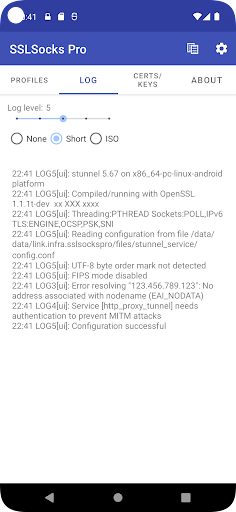
SSLSocks is a TLS/SSL tunnel using stunnel for Android. This allows you to connect other applications (e.g. SSH, OpenVPN, Shadowsocks) through a local TCP port to a remote TLS proxy (e.g. a stunnel server). This App can be configured for multiple profiles
It is simply a wrapper for stunnel (https://www.stunnel.org/) and supports most of the features and configuration options of stunnel.
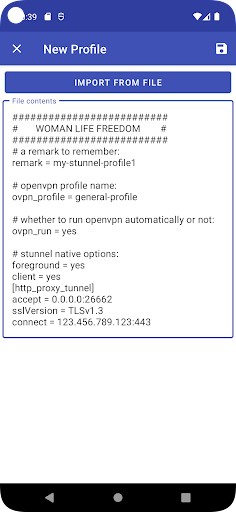
In addition to standard stunnel configurations, 3 new keys are introduced that are used by the app: "remark", "ovpn_profile", and "ovpn_run". The "remark" key is used for the name of the profile. "ovpn_profile" denotes the name of an open VPN profile in case the user want to get started automatically, and "ovpn_run" key is used to command the app whether to start open VPN profile automatically or not. A typical configuration looks like:
```
remark = my-first-profile
ovpn_profile = a-profile-in-your-open-vpn-for-android-app
ovpn_run = yes
# stunnel native options:
foreground = yes
client = yes
[http_proxy_tunnel]
accept = 0.0.0.0:local_port
connect = server:port
```