Screenshot Easy Capture
krn.ranchodwebi.easyscreenshot
View detailed information for Screenshot Easy Capture — ratings, download counts, screenshots, pricing and developer details. See integrated SDKs and related technical data.

Screenshots



Description
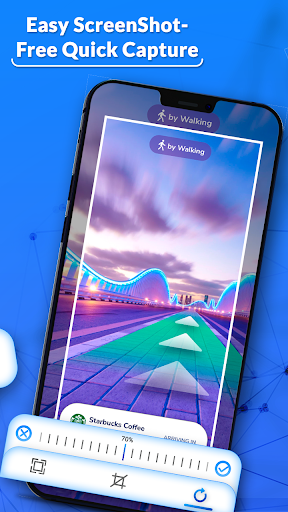
Screenshot Easy Capture application provide editing tools options after clicking screenshot and you can edit the photo with effect.
After that you can also write text and draw lines and marks on the screen shot with different pen colors.
If you want to apply any filter or color effect, then it is also possible with this Screenshot Easy Capture.
After completion of all the editing, you can save the screen shot in your mobile device and share with other.
You should look after your created or captured screen shot in my creation and also view them on your mobile gallery.
Screenshot Easy Capture have different settings such as notification sound, countdown while clicking and also change the save location on the gallery.
It will guide you while taking screen shots.
Features
- Easy screen capture.
- Shake Capture also available.
- Edit and customize.
- apply various effects.
- Crop and cut.
- On or Off screen shot sound in setting.
- Change the save path of the screen shot.
- View your screen shot in my creation in the app.
- Easy share your creation.