아키클래식 - AKIII CLASSIC
kr.co.smartskin.akiii
View detailed information for 아키클래식 - AKIII CLASSIC — ratings, download counts, screenshots, pricing and developer details. See integrated SDKs and related technical data.

Screenshots


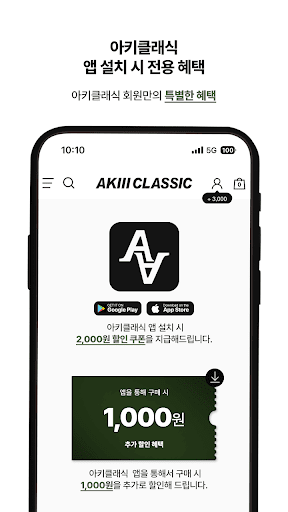

Description
HYBRID SPORTS GEAR! AKIII CLASSIC
Lifestyle sports brand, Archie Classic
■ Information on app access rights
In accordance with Article 22-2 of the 「Act on Promotion of Information and Communications Network Utilization and Information Protection, etc.」, consent is obtained from users for ‘app access right’ for the following purposes.
We are accessing only the items that are absolutely necessary for the service.
Even if the item of selective access is not allowed, the service can be used and the contents are as follows.
[Contents on essential access]
1. Android 6.0 or higher
● Phone: When first running, this function is accessed for device identification.
● Save: Access this function when you want to upload a file when writing a post, and express the bottom button and push image.
[Contents on selective approach]
- If there is a push function near the store, we include the location permission below.
● Location: Access to check the customer location to deliver valid information of the store.
[How to withdraw]
Settings > Apps or Applications > Select the app > Select Permissions > Choose to accept or withdraw access
※ However, if you run the app again after withdrawing the contents of essential access, the screen requesting access permission will appear again.
2. Under Android 6.0
● Device ID and call information: When first running, this function is accessed for device identification.
● Photo/Media/File: Access this function when you want to upload a file, display the bottom button and push image when writing a post.
● Device and App History: Access this function to optimize the use of app services.
- If there is a push function near the store, we include the location permission below.
● Location: Access to check the customer location to deliver valid information of the store.
※ We inform you that the expression is different depending on the version despite the same approach content.
※ In the case of Android versions below 6.0, individual consent for items is not possible, so we are receiving mandatory access consent for all items.
Therefore, we recommend that you check whether the operating system of your device can be upgraded to Android 6.0 or higher.
However, even if the operating system is upgraded, the access rights agreed to by the existing apps do not change, so in order to reset the access rights, you must delete the already installed app and then reinstall it.