World Clock -Time Converter-
jp.randyapps.timedifferenceclock
View detailed information for World Clock -Time Converter- — ratings, download counts, screenshots, pricing and developer details. See integrated SDKs and related technical data.

Screenshots
Description
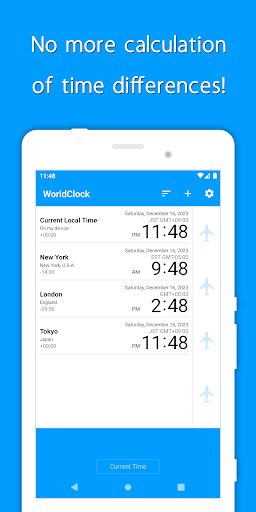
"World Clock" is the best app to calculate time differences all over the world.
All cities' times change automatically just by scrolling it with your finger.
Therefore, you don't need to add or subtract times any more to calculate time differences.
■■Features■■
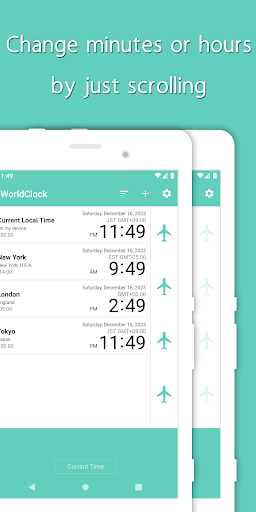
-Scrolling the time bar on the side of the screen up and down simultaneously changes the time in each city to the future or past.
-Double-tap the time bar to change the time unit between 1 minute and 1 hour.
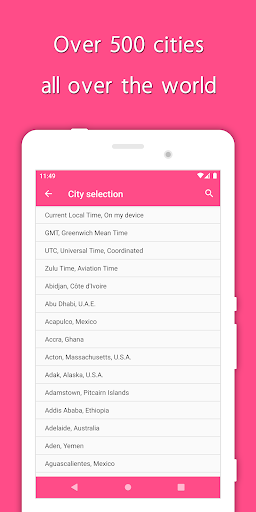
-You can add any city from the list of cities provided in the app.
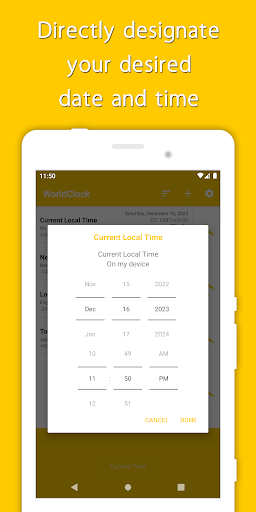
-Tap each city to specify the date and time directly.
-Press and hold on a city to change the city and edit the custom name.
-Only one fixed city can be displayed at the top of the screen.
■■Examples of use■■
-International meeting planner
-International call
-Trip planning
Disclaimer:This application has been built with extreme care and attention. However, it does not guarantee the accuracy of the names and times of the cities displayed.
Please note that we are not liable whatever for any profit loss, or any other form of loss experienced by the customer from using this application.
※We don't have any time difference data in our app.
We have been inquiring about time differences of each city to Android OS.
Therefore, “World Clock” shows you the time of Android OS.
As a result, depending on the version of Android OS you are using, the exact time may not be displayed.
※Abbreviated name of time zone was originally researched and added.
If you notice any mistakes, please contact us from the support site.