【Avoid Read】OFFLINE
jp.gr.java_conf.hi_ragi.offline
View detailed information for 【Avoid Read】OFFLINE — ratings, download counts, screenshots, pricing and developer details. See integrated SDKs and related technical data.

Screenshots
Description
How to use the app
Launch the app. 2.
Follow the instructions to enable "Access Notifications".
Check to see if the notification setting is enabled in the LINE Messages app.
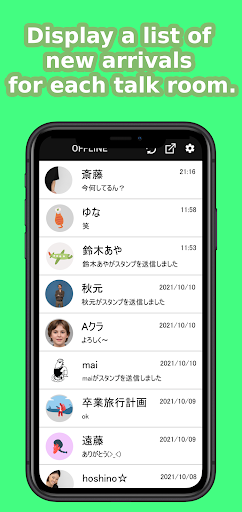
When you receive a message, open the app and check the contents!
The main functions are as follows
Check your LINE messages without marking them as read.
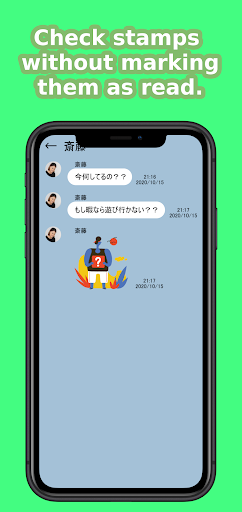
You can check your LINE stamps while they are unread with this app.
You can also check your unread LINE stamps in the app, just like in the original app.
This app is recommended for people who
If you can't reply to a message immediately and don't want to mark it as read
If you don't want to leave a message unread because you'll forget to reply to it once you've read it, you can leave it unread.
If you want to see not only the text of the message, but also the content of the stamps.
Those who want to see what the other person has deleted.
"LINE" is a trademark or registered trademark of LINE Corporation.
Translated with www.DeepL.com/Translator (free version)