i.Boxer APP
it.ivreasistemi.android.pess.iboxer
View detailed information for i.Boxer APP — ratings, download counts, screenshots, pricing and developer details. See integrated SDKs and related technical data.

Screenshots
Description
i.Boxer APP is the application that can handle an PESS i.Boxer system via TCP / IP.
In this way we obtain a bi-directional link between the panel and your smartphone without having to send and receive SMS number.
The use of i.Boxer APP requires updating the control panel i.Boxer 5.03 or higher.
Once installed it will open the page of profiles in which to set the network settings such as system name, host and port WAN and LAN host and port. Once these parameters are set, accessing the central, automatically learn all the programming. You now have the ability to manage the system by entering the same password used to access the keyboard.
L 'APP is able to manage in automatic address LAN and WAN based on the connection of the device and there are no limits for the creation of profiles; 2 different layouts make this customizable app.
Also setting the language from the menu of the device the app manages 5 different languages such as Italian, French, Spanish and Greek.
The 'application can handle:
-Inputs: Status, enabling and disabling.
-Expenses: Been, on and off.
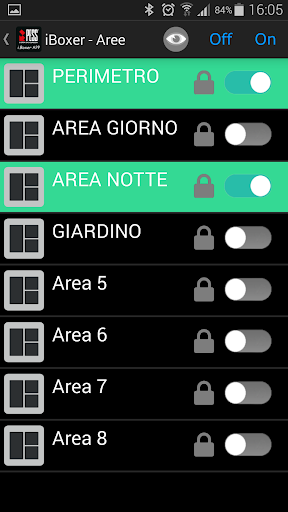
-Aree: Status, enabling and disabling, locking and unlocking, monitoring ON / OFF.
-Alarms H24: status, enabling and disabling.
-Anomalie: Display all faults in the systems i.Boxer
-Functions: Been, on and off, lock and unlock
-Events: Display up to 4000 events.
Operation:
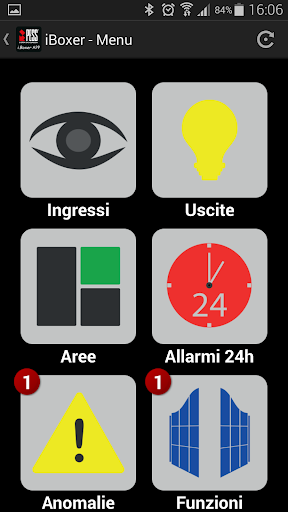
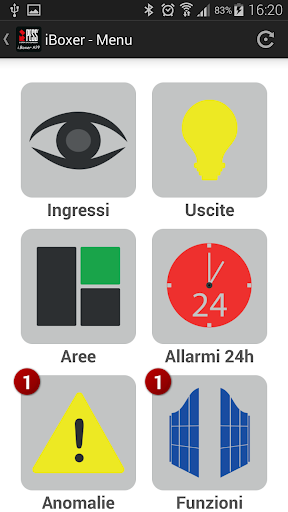
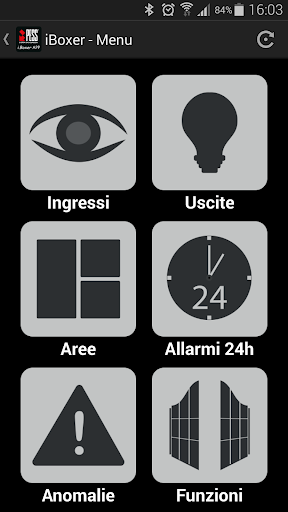
Once installed, open the device is displaying the "Profiles" where you will save various profiles. Each profile is an PESS i.Boxer. Clicking on a profile will be prompted for the password. typing the password followed by "OK" in a few moments you will be able to manage the system. The next page will be the "MENU '' and inside you will see the icons for inputs, outputs, areas, H24 alarms, faults, functions and events.