notepadAdvanced
io.ionic.notepadadvanced
View detailed information for notepadAdvanced — ratings, download counts, screenshots, pricing and developer details. See integrated SDKs and related technical data.
- No items.

Screenshots



Description
This decent notepad app is totally offline app. No Internet connection required (High Safety) makes it notepad advanced.
Features are :
* Lock: Fingerprint lock with Pin lock, will be locked when app minimize
* Notes Encryption : You can encrypt and decrypt your individual note for high security.
* Notes Share : you can share any notes through any app like whats app, email etc.
* Notes Color Theme: you can set individual notes color themes for better recognition of your notes.
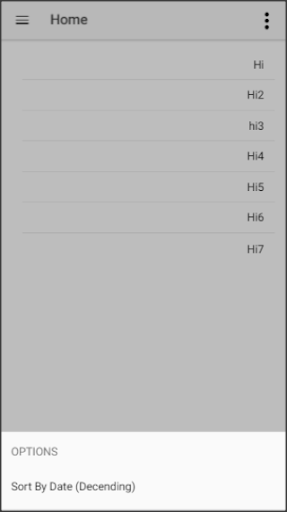
* Notes Sorting: sort your notes by created/modified date.
* Notes Backup: Even No internet require to get your all messages backup offline by copy backup data into somewhere safe like email.
Backup Import/Export Steps :
* Go to settings and choose share option from export section, this will share your all Notes data, make sure you share it in safe place like your own email.
* To import data , copy all exported text data (from email or your safe place) and go to notepad settings and click import section black button and wait , it will import all your notes. Your old notes in app will be safe during import, thus import will add notes.